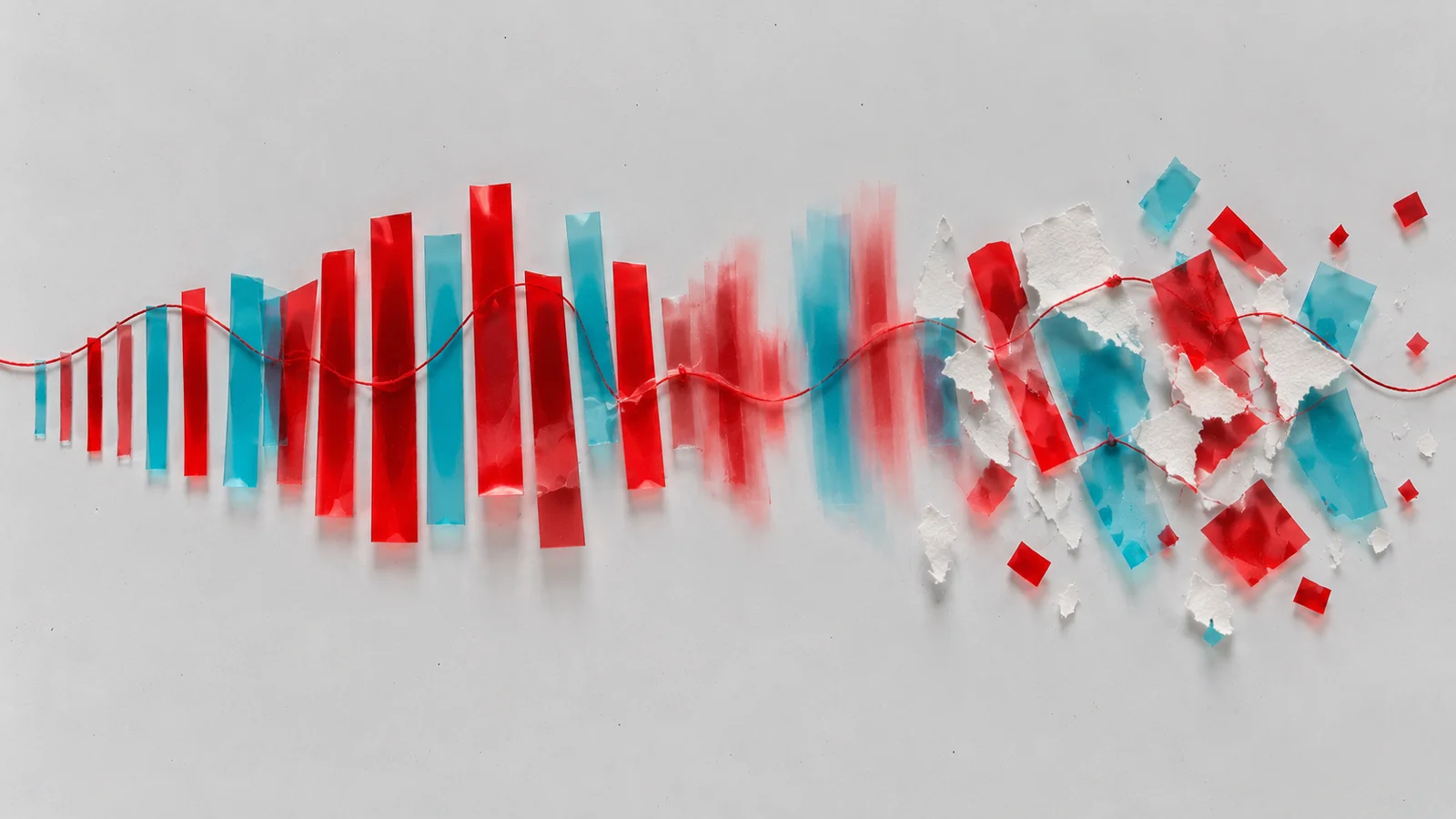
Press play and wait for a long vowel. Then switch Freeze on. The singer's next words never arrive. The vowel you caught keeps sounding, and keeps singing whatever notes come next, as if one instant of the voice had been pinned in place. Can you really take a single moment of a sound and hold it forever?
Switch on Freeze in the middle of a vowel. What stays, and what keeps moving?
Hold a moment forever
Freeze
Lead Vocal: Vienna Ditto, CC BY
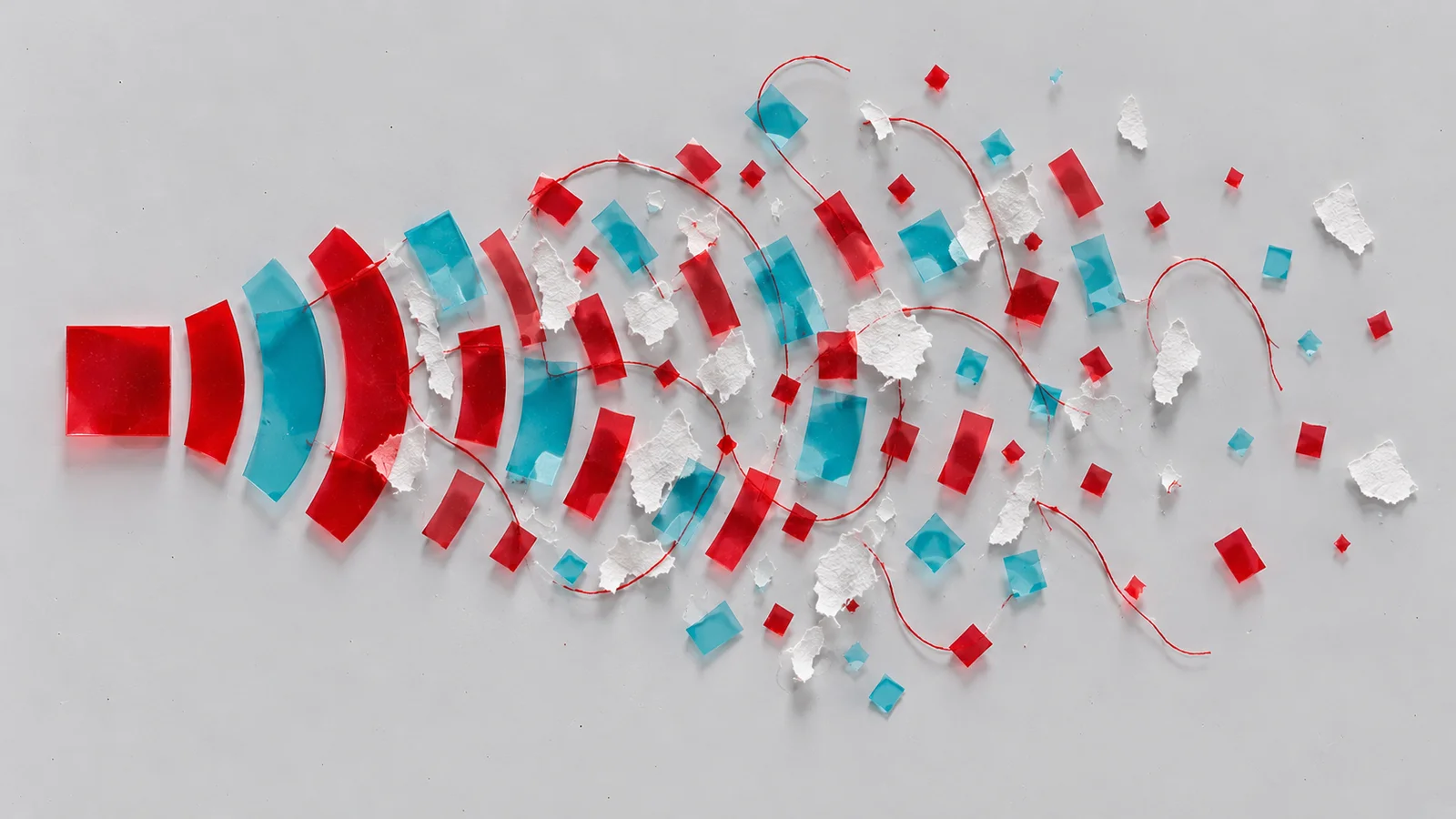
What you're hearing is a coarse version of the most famous spectral trick. The lab splits the voice into 16 frequency bands, the way a vocoder does, and Freeze stops those band levels from changing. A true spectral freeze does the same with thousands of bands, so instead of a robotic vowel it can hold the exact colour of a cymbal crash, a breath or a piano chord, and let it ring on as a drone.
The sound as a picture
Spectral effects work on a spectrogram, a picture of a sound. Time runs left to right, frequency runs from low at the bottom to high at the top, and brightness shows how strong each frequency is at each moment.
Imagine a bright line rising steadily from bottom left to top right. What would that sound like?
What would a bright rising line sound like?
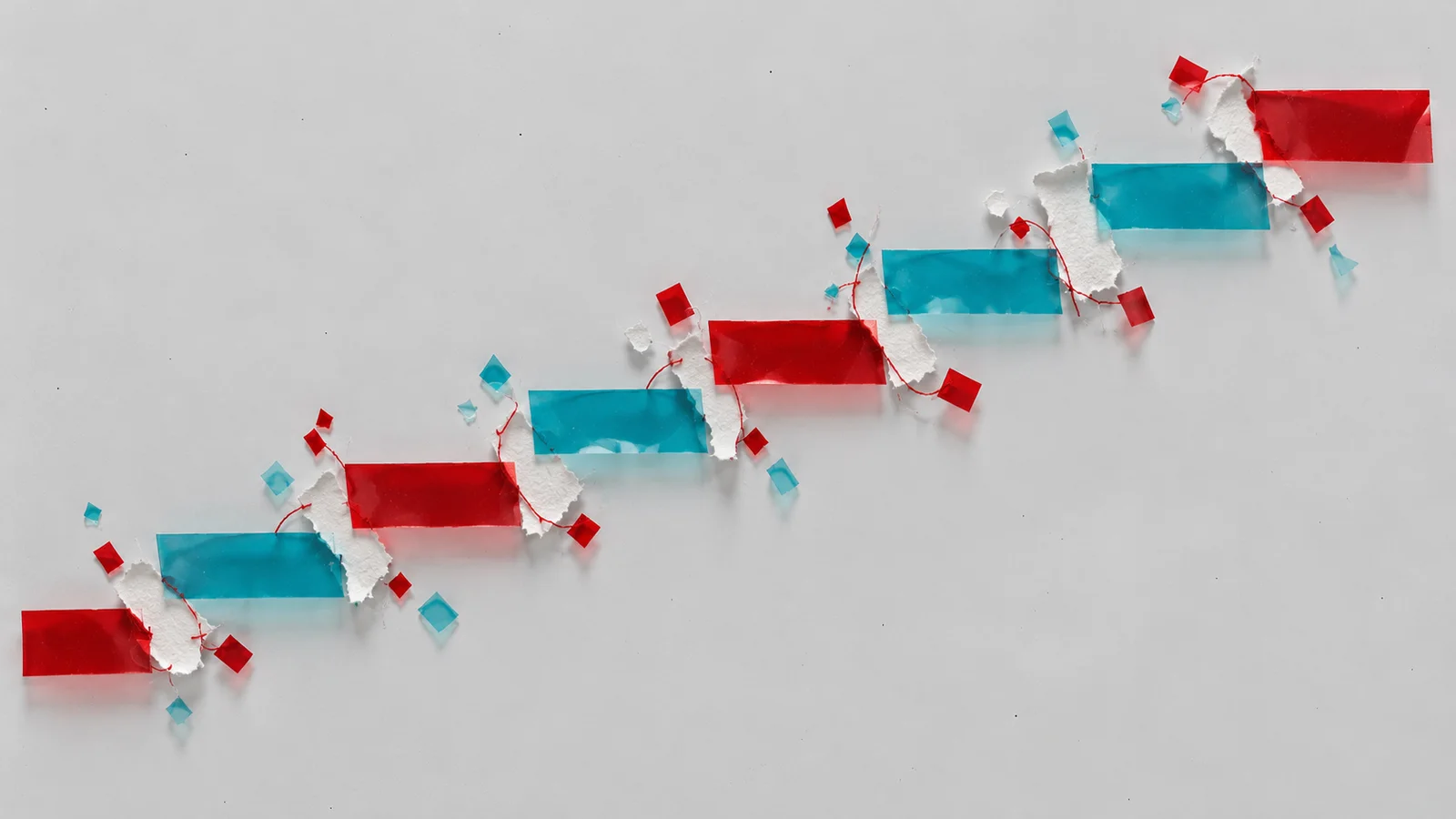
A diagonal line
A rising whistle, a glide. Every shape on a spectrogram has a sound like this. A flat horizontal line is a steady tone. Several stacked lines are a chord or a note with harmonics. A vertical stripe is a click or a drum hit: everything at once, for an instant. A grey haze is noise, like breath, rain or a cymbal.
Horizontal lines
Read that way, a spectrogram is a kind of score, and you can run it backwards: draw a picture, play it as sound. Software like MetaSynth was built around this idea, and Aphex Twin famously hid an image of his own face in the spectrogram of a track on his 1999 Windowlicker single. Most pictures don't sound like what they show. A face sounds like a dense, buzzing chord. But a few drawn lines can make melodies, and a drawn shape can make a sound no instrument would.
Freeze, smear, warp
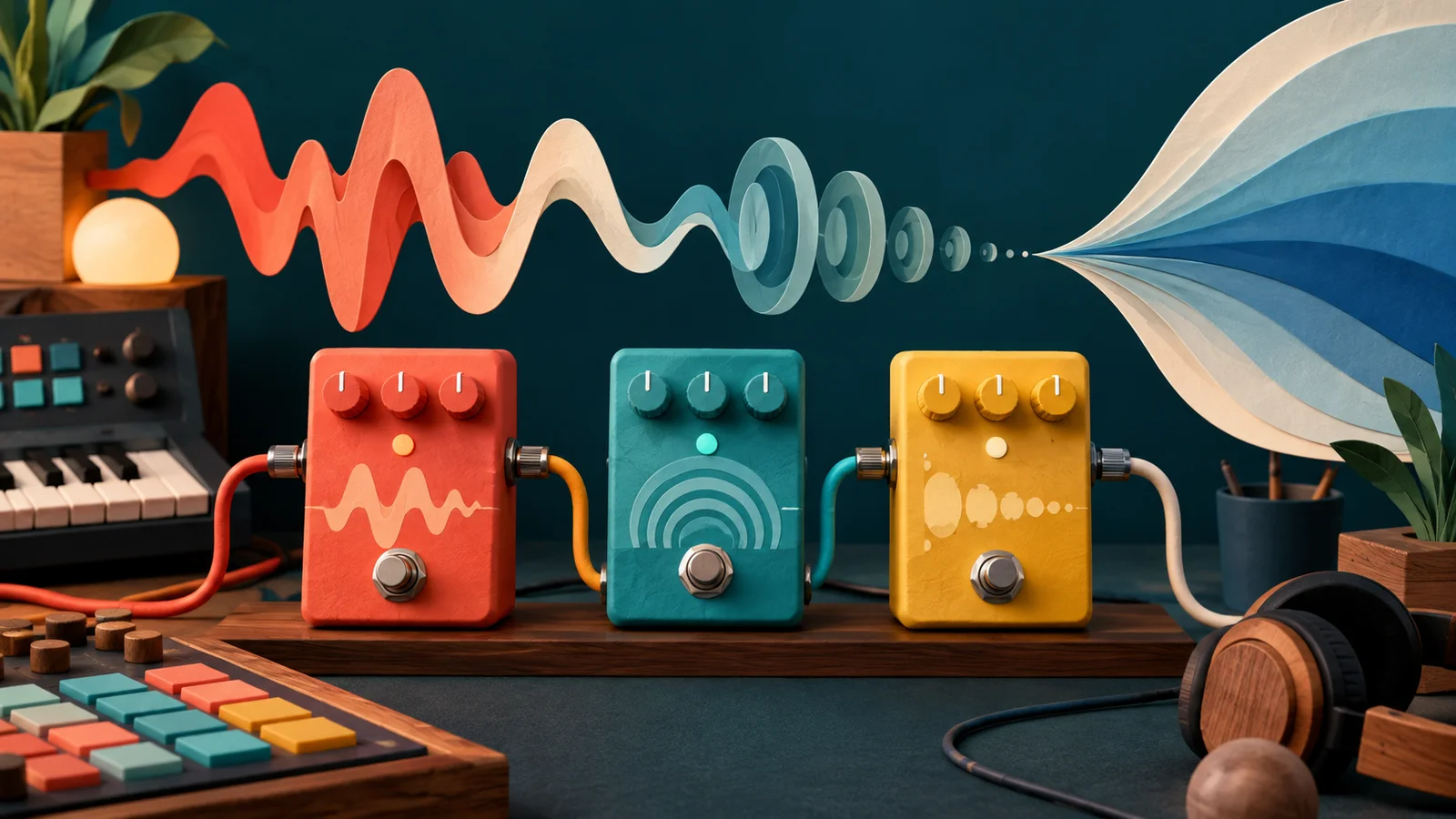
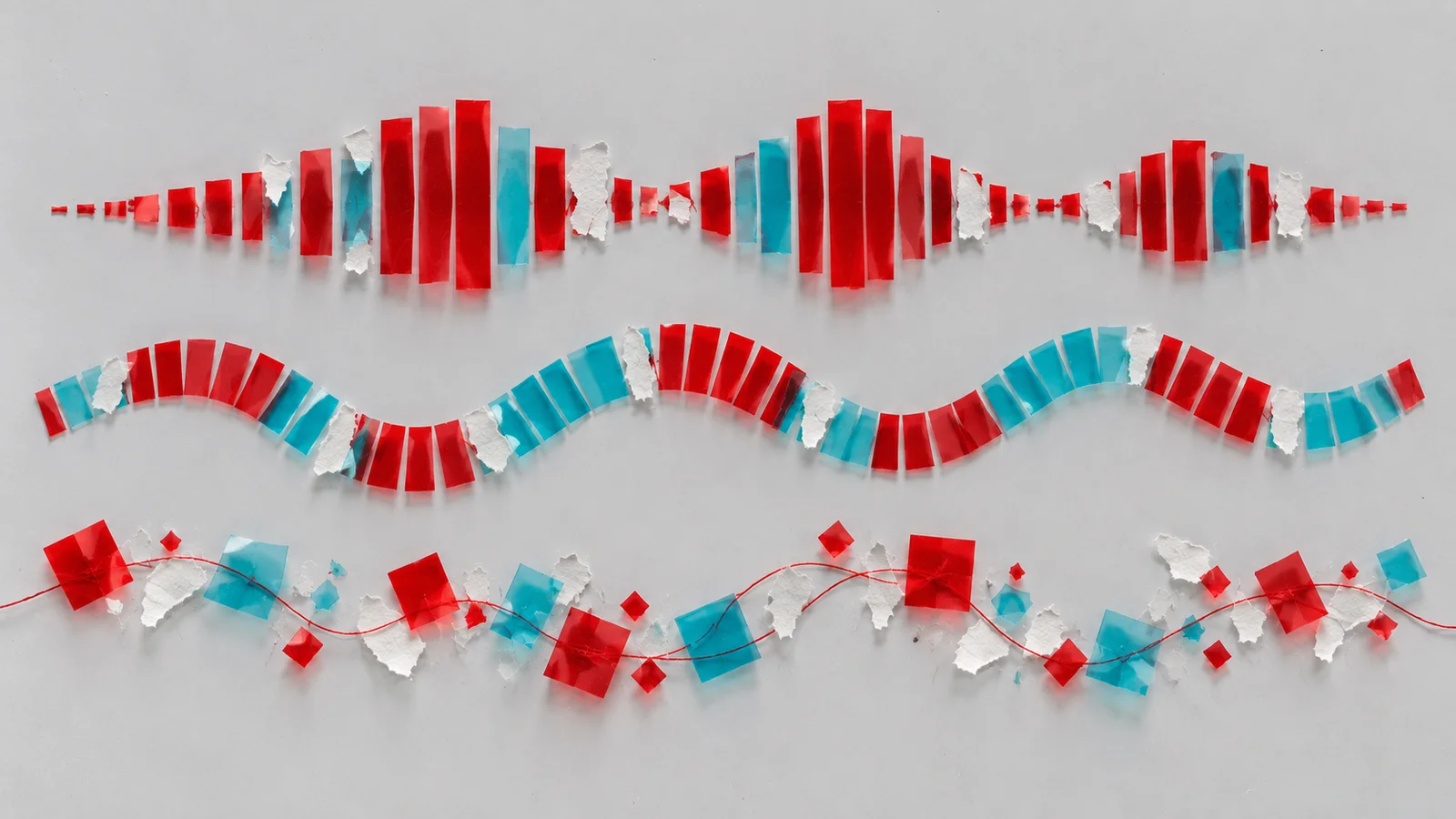
Once a sound is a picture, you can edit the picture. Almost every spectral effect is one of three moves, and the lab lets you try a rough version of each.
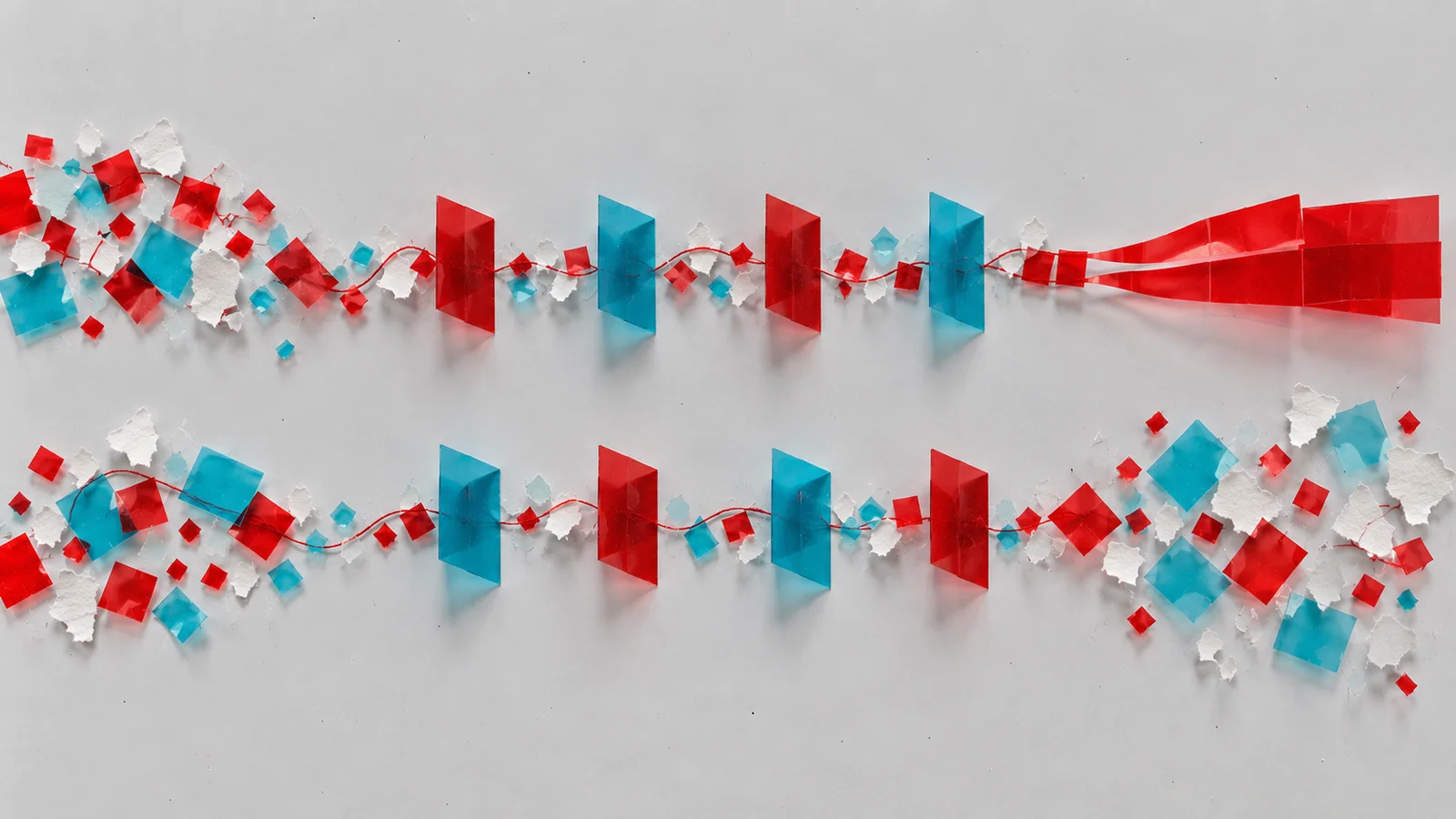
Freeze takes one column of the picture, one instant, and repeats it forever. Freezing a vowel gives an endless choir note. Freezing the middle of a cymbal gives a shimmering metallic wash.
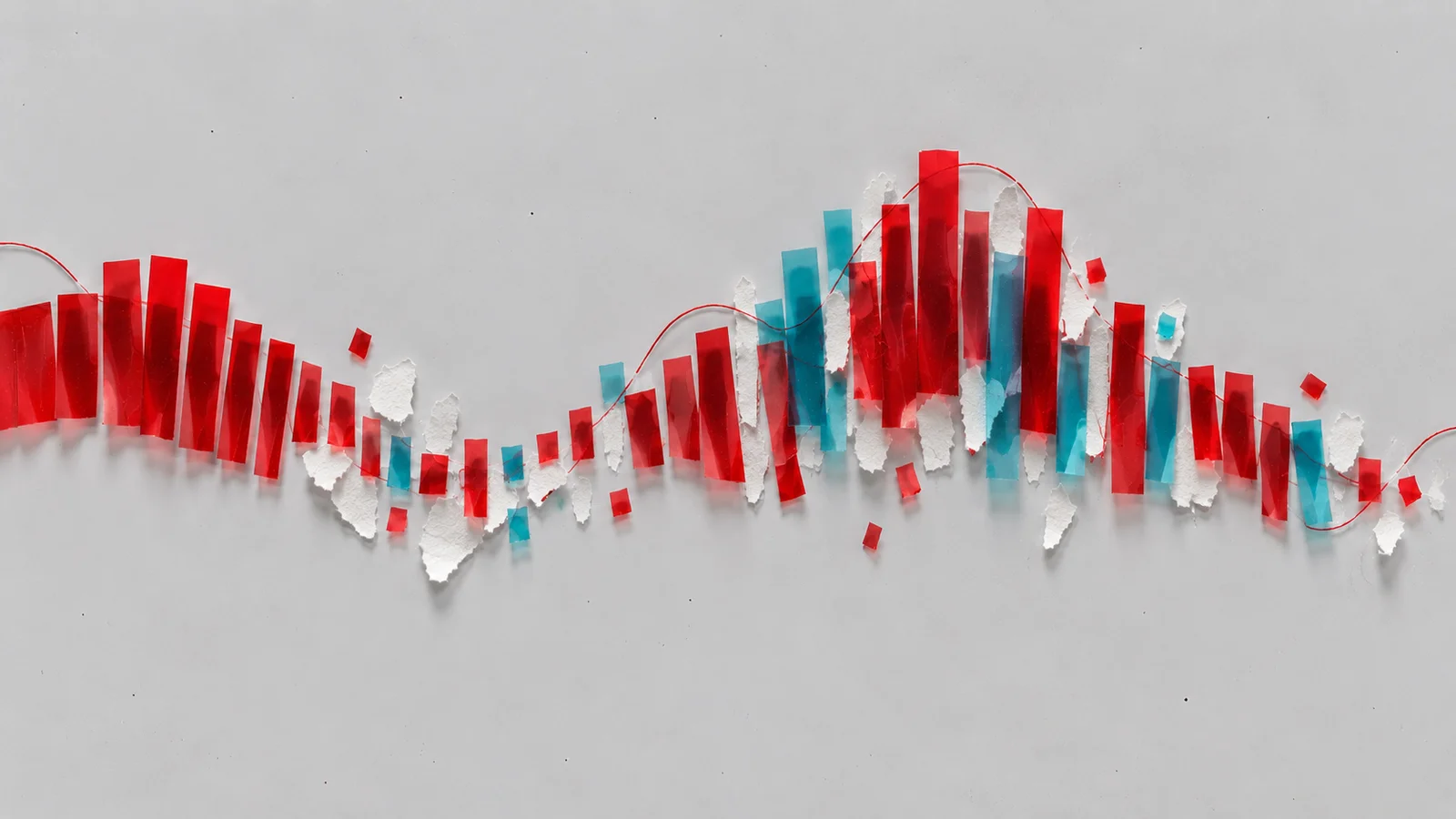
Smear (often called blur) lets each frequency fade out slowly instead of stopping, so moments run into each other. In the lab, a long Release does this to the bands: words melt into a continuous texture. Stretch the idea far enough and you get Paulstretch, the free tool behind a 2010 viral track that slowed a Justin Bieber song to eight times its length and turned it into a slow, glowing cathedral of sound.
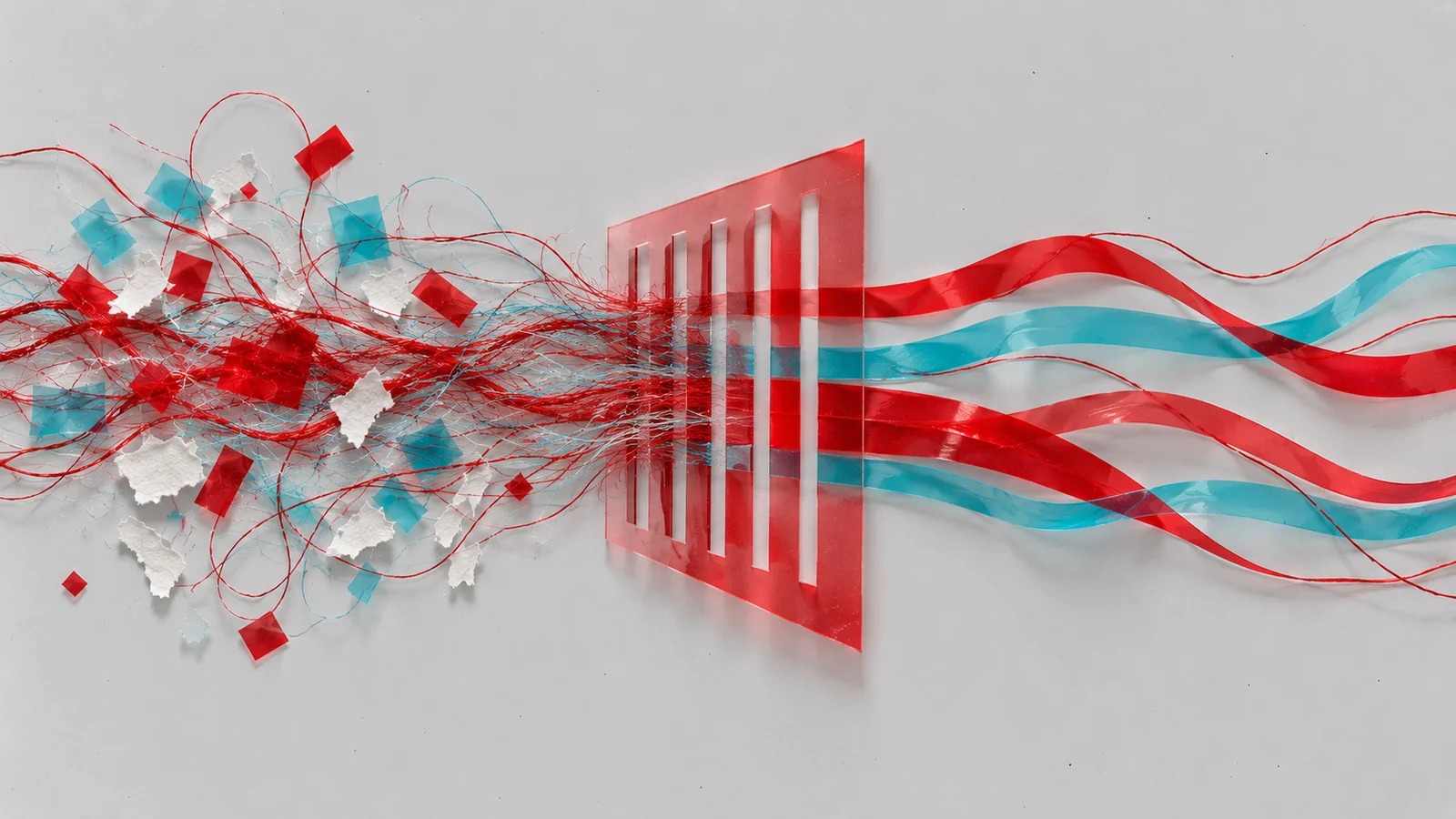
Warp moves or stretches the picture up and down. Formant Stretch in the lab squeezes or spreads the frozen vowel's shape, so the same held note turns brighter and smaller or darker and larger. Full spectral tools can shift, flip or comb out frequencies one by one.
There's a practical cousin you may already use: spectral noise reduction. Repair tools learn the picture of a hum or hiss, then remove those parts of the picture and keep the rest.
What the picture leaves out
A spectrogram shows how strong each frequency is. It doesn't show phase, the exact timing of each frequency's wave relative to the others. That missing detail matters. The punch of a drum hit and the edge of a consonant live partly in how all the frequencies line up at that instant. A processor that works from the full transform keeps that information. Once you start editing the picture, the original phase relationships no longer match, and something has to make up new ones.
That's where the classic spectral sounds come from, good and bad. A frozen sound shimmers because the phases drift instead of lining up as they did in the original. A heavily processed voice sounds "underwater" or watery for the same reason.
So a spectrogram is a useful picture of a sound, not the whole sound. Two recordings can look almost identical and still sound different in their attacks.
Where it breaks
Spectral tools have to choose how long a slice of sound to analyse at once. Long slices see pitch in fine detail but smear quick events, so drums go soft and blurry. Short slices keep the hits crisp but blur the pitch. No setting gets both. That's why a spectral freeze sounds glorious on a sustained vowel or chord and mushy on a drum loop.
Pictures turned into sound have their own trap: in a simple renderer that turns every bright row into a tone, broad bright areas don't become a rush of noise but a thick, organ-like cluster of tones. If you want air, draw haze with gaps in it, or use real noise.
Same idea, different place: reading a spectrogram without being fooled by it is a skill of its own. Seeing sound shows what the picture hides when you look at it, and it hides the same things when you play it.
Make it yours
Find a sound of your own with a long, beautiful moment in it: a sung vowel, a held synth chord, the bloom of a reverb tail. Run it through the lab's idea: freeze the best moment, then use Release to soften the edges and Formant Stretch to set its colour. What you get is a pad made from a single instant of your own material, something no preset library has.
Save it as a frozen-pad preset. Next time a track needs a bed under it, you can play your own voice as a chord.
Quick check
- On a spectrogram you see a bright vertical stripe. What do you expect to hear? A short, sharp event, such as a click, a clap or a drum hit. Energy across every frequency, but only for an instant.
- You freeze a drum loop and it turns to mush, but a frozen vowel sounds gorgeous. Why? A freeze holds one slice of the picture. A vowel is nearly the same from slice to slice, so the held slice sounds like the real thing. A drum hit changes completely within milliseconds, and the analysis slice smears it.
- Two sounds have nearly identical spectrograms but one has a much punchier attack. How? The picture shows strength, not phase. How the frequencies line up at the attack shapes the punch, and that timing isn't in the picture.
Next steps
- Go deeper: Stereo and spatial processing. Everything here happened in one picture. What changes when there are two ears and two speakers?
- Sideways: Repair and restoration. The same picture, used to take noise, room and clicks out of a take, and how to hear what went out with them.
- Use it: Additive synthesis. Build a sound from the horizontal lines up, one partial at a time.