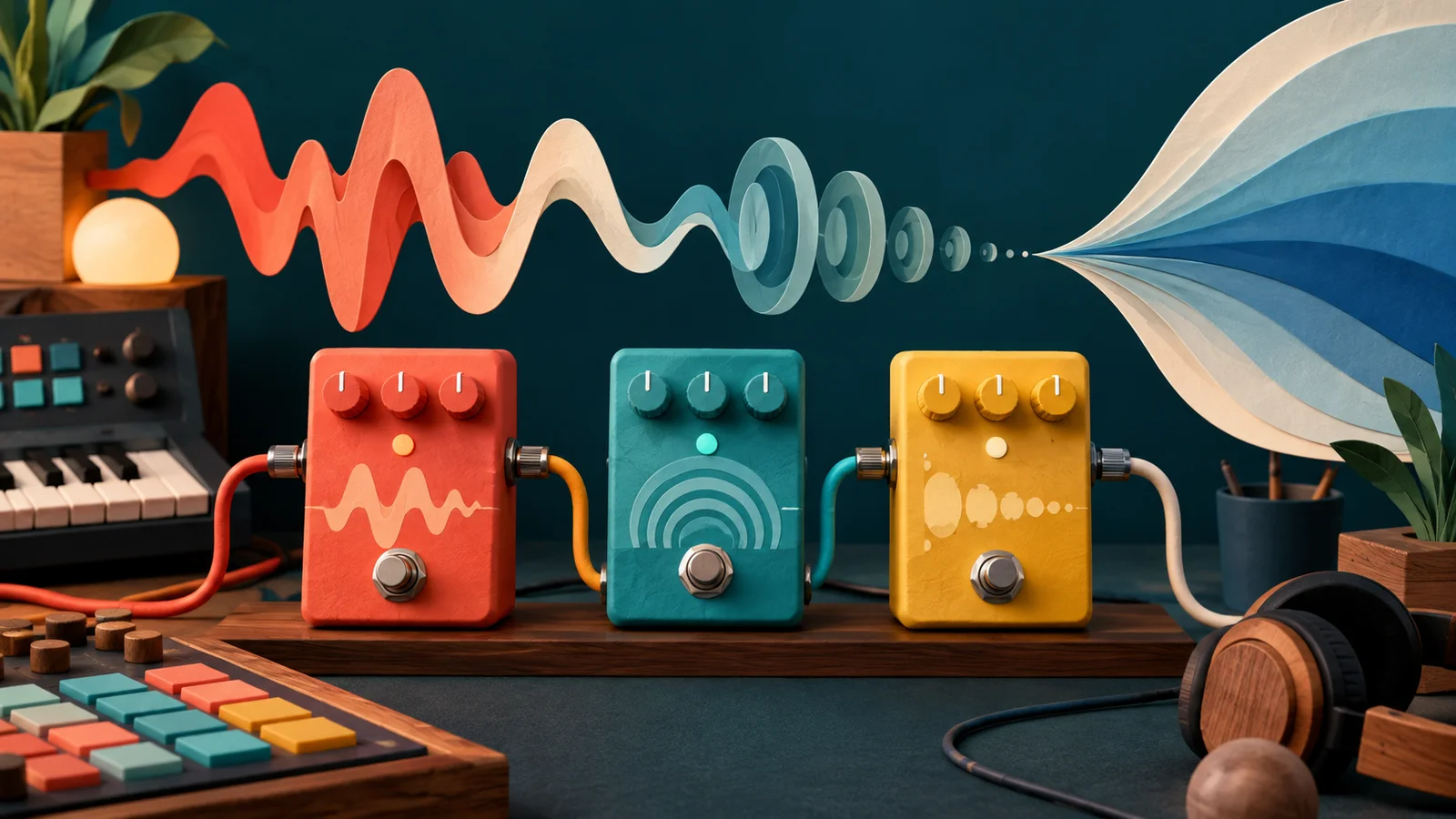
Here is one electric guitar, one overdrive and one big plate-like reverb, with identical settings in both players below. The only difference is which comes first. Play the first one and you'll hear a dirty guitar in a room. Play the second and the room itself is distorted: a hazy, roaring cloud that swells with every chord.
Before you play the second player, guess: will it sound like the same guitar a little rougher, or like a different instrument?
Is this a distorted guitar in a clean room?
Drive, then the room
Electric Guitar: Andy G. Cohen, CC BY
Same two effects, same settings, opposite order. What happened to the tail?
The room, then drive
Electric Guitar: Andy G. Cohen, CC BY
If you guessed "a different instrument", you were right. The boxes have the same names, but they're doing different jobs.
Follow the sound through the boxes
Signal flow is the path a sound takes. The one question that explains almost every order surprise is: what reaches this effect's input? An effect never hears your intention. It hears whatever the previous effect handed it.
Two orders, two instruments
In the first order, the reverb gets an already gritty guitar and builds a smooth tail from it. The tail fades the way rooms do: gradually, without fighting back.
In the second order, the drive gets the guitar plus its reflections. Drive reacts to their combined level: the loud notes slam into it, and the tail gets lifted and roughened as it fades. That's why the room seems to pump and roar. It's closer to a wall of shoegaze haze than a guitar in a room, and on the right song that's exactly what you want.
Move Drive in both players. In the first, it changes the guitar. In the second, it changes the whole space.
An insert processes everything that passes through
An insert puts an effect directly in a track's path: the track goes in, the result comes out, and the next effect gets that result. Several inserts in a row make a serial chain, which is what you just heard.
There's no universally correct order, but there is a useful habit: describe each insert with a verb. Remove the rumble, steady the syllables, add repeats. Then ask what you want each effect to react to.
A classic case: a low thump on a vocal makes a compressor pull the whole voice down on every plosive. Put the EQ that removes the thump before the compressor, and the compressor stops reacting to it. If compression brings out a nasal tone instead, an EQ after it can tidy what the compressor emphasised. The symptom tells you where the box goes.
Guitarists learned this on the floor long before plugins. The usual pedalboard order (tuner, then wah and compression, then drive and fuzz, then modulation, then delay and reverb last) exists for the same reason: you want the drive to distort the guitar, and the echoes to repeat the distorted guitar, not to distort the echoes. Breaking it on purpose is how a lot of interesting sounds were found.
What does the Mix knob really blend?
The dry signal is what goes into an effect. The wet signal is what the effect makes. A Mix knob blends the two inside that one effect.
Here's the catch: in the first player above, the reverb's dry signal is the driven guitar, not the clean one. Turn Room to zero and you lose the space, but the grit stays, because it happened upstream. A Mix knob only undoes its own box, never the chain before it.
That's also why a half-way Mix isn't a precise recipe. Different effects blend in different ways, so listen to the result rather than trusting the knob's position.
A send shares one effect between many tracks
A send copies part of a track to a separate path, usually a fully wet reverb or delay, and the return brings that path back into the mix. The dry track carries on untouched.
Send and return
Why bother, when a Mix knob exists? Because now the voice and the keys sit in the same room, which is what makes a band sound like it was recorded together. One fader turns that room up or down for everyone. And you can EQ the return, cutting the lows from the reverb so it never muddies the bass, without touching the instruments themselves.
Send level and return level are two different decisions. Sending more of the voice changes how hard it drives the effect. Lowering the return changes how much of the result you hear. With a distorting effect on the return, those two moves change the tone as well as the level.
When a swap changes nothing at all
Now a second prediction. Put a gentle bass cut and a gentle treble boost in a row, then swap them. Will you hear the dramatic difference you heard with drive and reverb?
No. You'll hear exactly the same sound. Plain EQs and plain delays are linear and time-invariant: a louder input doesn't change the rule they apply, and the rule doesn't change over time. Processes like that can be applied in either order and give the same result. An echo of an EQ'd guitar is the same as an EQ'd echo of the guitar.
Drive breaks the first condition (it treats loud and quiet differently), which is why it cares so much about what comes before it. Compressors and gates break it too. Anything that reacts to level or moves on its own is order-sensitive. Anything that applies a fixed, level-blind shape isn't.
Same idea, different place: Signals and systems is about exactly this question: which processes keep the same rule whatever you feed them. It tells you whether a swap should matter before you ever touch the plugin.
Break the usual order on purpose
"Dynamics before space" is a good default. Now flip it: compress after the reverb. Every loud hit pushes the compressor down, taking the tail with it, and as the hit fades the compressor lets go and the room swells back up. The space breathes in time with the playing.
On a vocal, that breathing buries the words. On a drum room, it's glorious: it's the huge, pumping room sound of a lot of rock records, and the same trick is behind many "drums in a big hall" sounds. The failure and the feature are the same behaviour. What changes is whether it serves the part.
Make it yours
Take a short keys or guitar phrase of your own and build a three-effect chain: EQ, drive and delay. Give it a goal first: a bright rhythmic line, a dark background part, or a rough lead with clean repeats.
For a worked guitar version, A guitar drive pedal builds those stages one at a time and turns them into three musical controls: Tone, Drive and Echo.
Swap one pair at a time and listen to the start of a note and the tail. Try EQ before the drive (it changes what gets distorted), then after it (it shapes the distortion itself). Keep the delay time fixed so you're only hearing order.
When one order clearly wins, open Multifx from the lab above, set it up that way, and save it with a name that says its job, plus one sentence of why: "EQ cuts lows before drive so the repeats stay light." Next time you'll remember the reason, not only the settings.
Quick check
- You turn a reverb's Mix to zero and the guitar is still distorted. Is the knob broken? No. That reverb's dry input already contained the drive from earlier in the chain. Mix only removes its own effect, so look upstream.
- You swap two clean EQs and hear no difference at all. Did you do something wrong? No, that's the expected result. Fixed EQs are linear and time-invariant, so either order gives the same sound. It's drive, compression and other level-reactive effects that care about order.
- You want the voice, keys and guitar to sound like they're in one room, with one control for how big that room feels. Inserts or a send? A send to one shared reverb. Separate insert reverbs can sound good, but they give you three rooms and three knobs to keep in step.
Next steps
- Go deeper: EQ. You moved the EQ around freely. Now hear what its bands are actually doing to the sound.
- Use it: Distortion and saturation. Choosing what reaches the drive is one of the strongest ways to choose its character.