Four chords, one second each. Play them, then look at the picture and switch the window size between 512, 2048 and 8192. Same audio every time. Watch what the picture decides to tell you.
Which window shows exactly when each chord starts? Which one pulls the close notes of each chord apart into separate lines?
One phrase, three windows
RenderedSpectrogram window: 2048 samples, 42.7 ms at 48 kHz; bins every 23.4 Hz. Shown up to 12 kHz.
At 512, each chord change is a crisp vertical edge, but the notes inside the chord melt into fat, blurry bands. At 8192, the notes snap into thin separate lines, and now the chord changes go soft, as if each one fades in from slightly before it was played.
Neither picture is wrong. Each one made a choice for you. That's the thing nobody tells you about audio displays: every picture of sound throws something away, and the useful skill is knowing what.
Three pictures, three questions
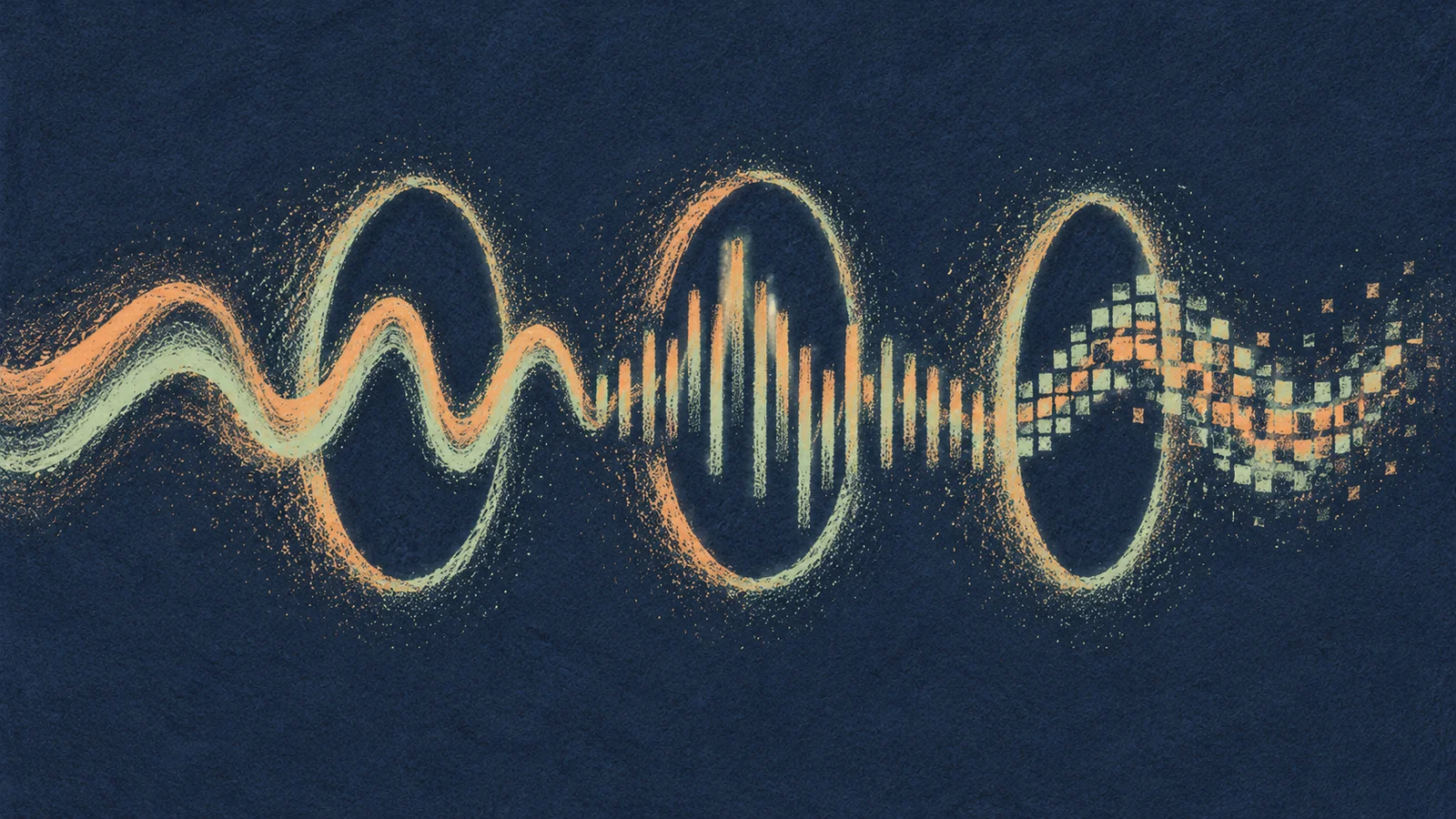
There are three views you'll meet in almost every audio tool, and each one is good at one question.
| View | Across | Up | Ask it |
|---|---|---|---|
| Waveform | Time | Signal level | When did something happen? |
| Spectrum | Frequency | Level | What's in the sound right now? |
| Spectrogram | Time | Frequency, with brightness for level | How did what's in it change? |
A waveform is the one you edit with. It's brilliant for finding the start of a drum hit, a click at an edit point, or a phrase that's too quiet. Zoom right in and you can see single cycles. What it can't show you is pitch or tone: two sounds that look identical in a waveform can sound totally different, and two that look different can sound identical, because the timing between their harmonics changes the shape without changing what you hear.
A spectrum is the curve behind every EQ. It shows the ladder of harmonics you met in Timbre and harmonics, the rumble below a vocal, the fizz on a hi-hat. What it can't show is when.
A spectrogram is the clever compromise: lots of spectra, one after another, stacked along a timeline. A held note draws a horizontal line, a drum hit draws a vertical stripe, a rising siren draws a slope. It's so close to a musical score that some artists have hidden pictures in their music: the second track on Aphex Twin's 1999 Windowlicker single has a face hidden in it that only appears in a spectrogram.
Why can't one picture have it all?
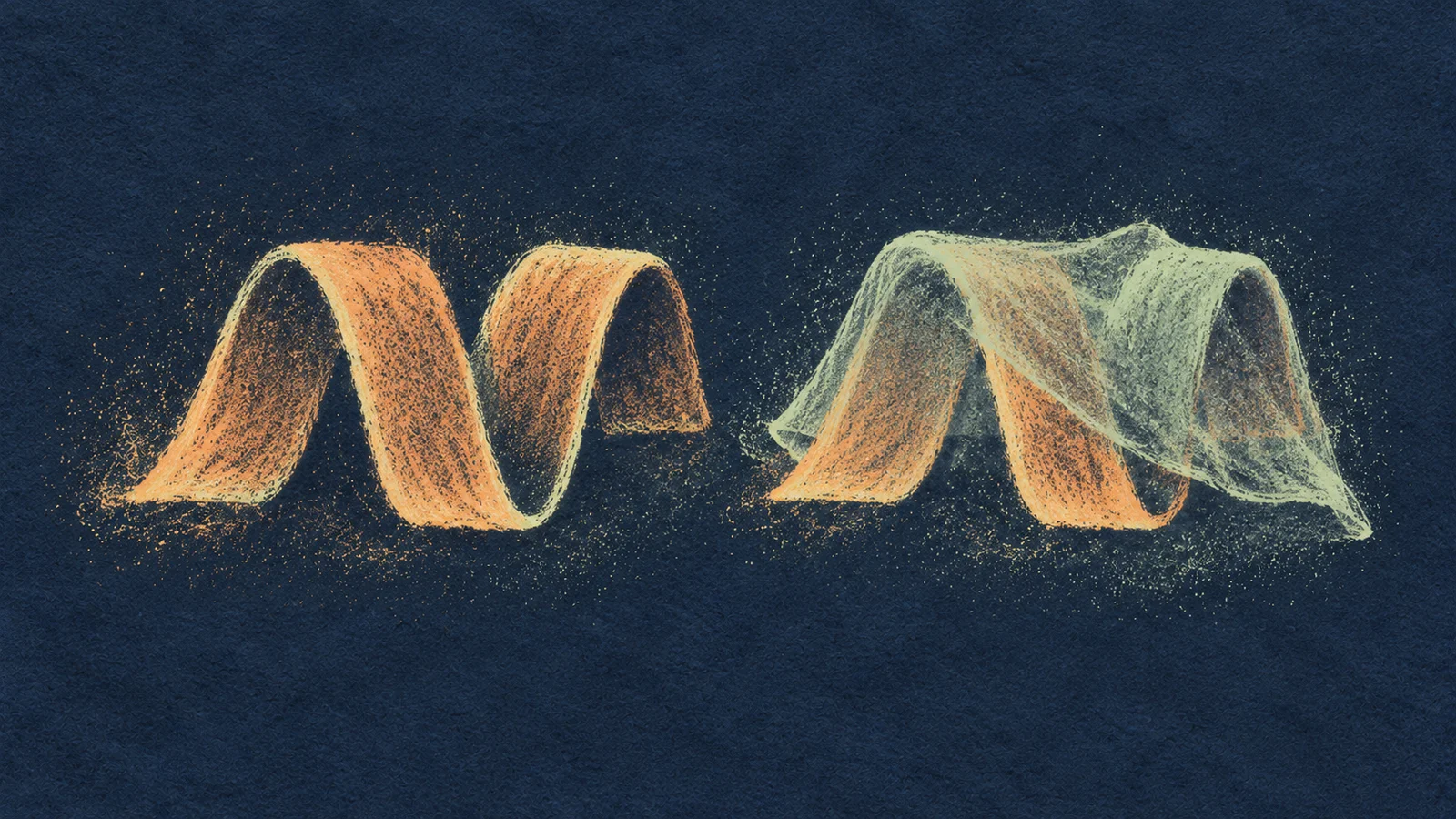
To work out which frequencies are in a sound, an analyzer has to listen for a while. You can't tell 400 Hz from 410 Hz in a single instant; you need to watch enough cycles go by to see them drift apart. The stretch of audio the analyzer looks at in one go is its window.
A long window watches many cycles, so it can separate close frequencies. But it also lumps together everything that happened during that stretch, so a sharp attack gets smeared across it. A short window catches the moment precisely, but sees too few cycles to tell close notes apart.
That's the trade you just heard and saw. At 48,000 samples a second:
| Window | How long it listens | Frequency detail (bin spacing) |
|---|---|---|
| 512 samples | about 11 ms | about 94 Hz |
| 2,048 samples | about 43 ms | about 23 Hz |
| 8,192 samples | about 171 ms | about 5.9 Hz |
The notes in the C chord sit at about 262, 330 and 392 Hz, roughly 60 Hz apart. A 94 Hz grid can't pull them apart; a 5.9 Hz grid easily can. But 171 ms is longer than a sixteenth note at most dance tempos, so a hi-hat seen through that window turns into a smudge.
The trade, drawn
If this reminds you of something from physics class, it should. It's the same uncertainty trade that limits how precisely you can pin down a particle's position and momentum at once. Sound engineers just meet it every day in their analyzers.
Why a pure tone can look fuzzy
Play a perfect sine into a spectrum analyzer and you won't see a perfectly thin line. You'll see a peak with skirts. That's not your oscillator being dirty. When the analyzer chops a window out of a continuous tone, the cut edges add frequencies of their own, and the peak spreads sideways. This is called spectral leakage, and every analyzer softens the window's edges (that's what "Hann" or "Blackman" in a settings menu means) to keep it under control.
The practical rule: if something looks odd, change the window and keep the audio the same. If the odd shape changes with the window, it's the picture. If it stays put, it's the sound.
One more trap: some analyzers let you add "zero-padding" for a smoother curve. It makes the line look more detailed, but it adds no real information. Only a longer window does that.
Where the pictures mislead
- An averaged spectrum hides brief events. A snare hit every two beats barely registers in a slow average.
- Axes change the story. A linear frequency axis spends most of its width on the top octaves. A log axis gives every octave equal room, which matches how you hear. Check which one you're looking at before you decide the bass is "tiny".
- Stereo can lie. Two channels can each look healthy and cancel each other out when summed to mono. Know whether you're looking at left, right, both, or the mono sum.
- Peaks aren't problems. A big bump at 200 Hz on a cello isn't something to cut; it might be the cello. Only reach for EQ when you can hear the thing the picture is pointing at.
Same idea, different place: when an AI music model listens to audio, it usually looks at a spectrogram too, with a window chosen by whoever built it. It inherits the same blind spots you just saw. How models see audio shows what that means for separation and transcription.
Make it yours
Take a short recording of your own that has a clear attack and a held part: a plucked guitar chord, a sung word, a piano note. Open it in any analyzer you have and make two pictures:
- A timing picture: short window, spectrogram or waveform. Mark where the attack lands.
- A frequency picture: long window, on the held part only. Mark the strongest few lines and guess which harmonic each one is.
Under each, finish this sentence: "This view shows me ___ but hides ___." Keep that note with the sound. Next time an analyzer surprises you, you'll know which question to ask it instead of trusting the first picture it draws.
Quick check
- You're trying to see whether your kick and bass hit at exactly the same time. Long window or short? Short, or just the waveform. A long window would smear both attacks across tens of milliseconds and make them look simultaneous even when they're not.
- A spectrum of your synth pad shows one thick blob around 300 Hz. You suspect there are two detuned notes in there. What do you change? Use a longer window on a steady stretch of the pad. If the blob splits into two lines, you've found them. Zooming the display alone won't do it.
- Two waveforms look completely different. Must they sound different? No. If the same harmonics are present at the same levels but shifted in timing against each other, the shape changes a lot and the sound barely at all. That's why choosing sounds by waveform shape alone is unreliable.
Next steps
- Go deeper: Level and loudness. The spectrum tells you what's in a sound. How loud is all of it together, and why do two meters disagree?
- Use it: EQ. Turn a peak you can see and hear into a decision.