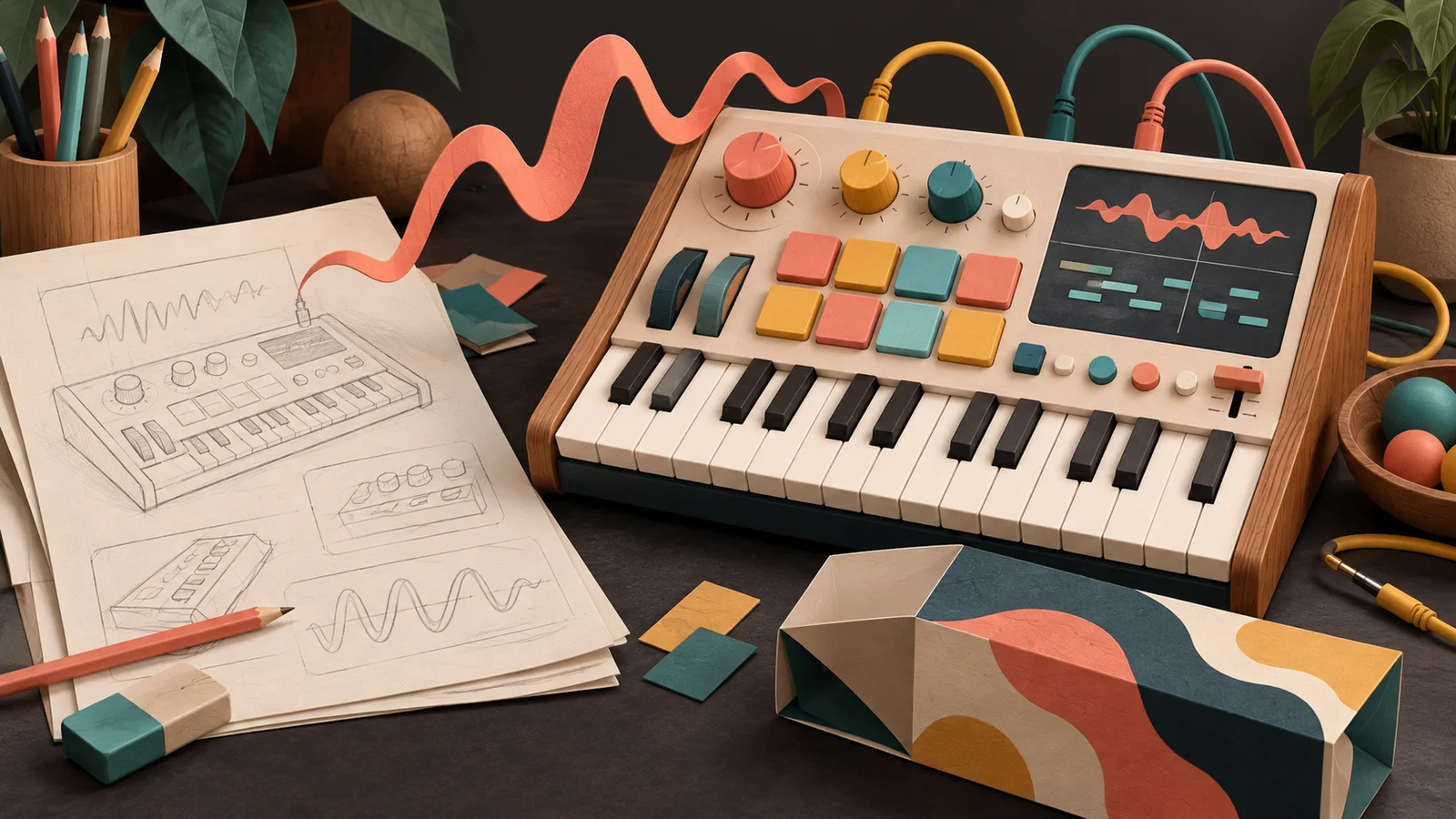
The Roland TB-303 has a handful of knobs: Tuning, Cut Off Freq, Resonance, Env Mod, Decay and Accent. That's nearly all of it. Nearly four decades after acid house made it famous, people are still finding new sounds in those knobs. Play the acid bass below and turn Cutoff slowly from one end to the other.
Turn Cutoff slowly from one end to the other, then do the same with Env Mod. Is there any stretch where nothing happens?
Knobs that never go dead
Every bit of travel does something. Low down the bass is dark and rubbery, through the middle it starts to talk, and near the top it squelches. Press Short, which repeats until you press it again, and keep turning: the knob is the performance. Acid tracks are built from someone riding exactly these controls for six minutes.
Now think of a plugin where the cutoff knob does nothing for most of its travel and then everything happens in the last sliver. Same range, same filter. What went wrong?
A few knobs, every one alive
The Minimoog Model D had no preset memory at all. Every sound had to be made from the front panel, every time. So the panel had to be playable: its controls are laid out left to right in the order the sound travels, from oscillators to mixer to filter and envelopes to output, and each knob covers the part of its range where music happens.
That's the quality people mean when they call an old synth "musical". It isn't magic in the circuits. It's that a quarter turn on any knob gives you a different, usable sound, so your hand learns the instrument quickly and keeps exploring.
A modern instrument can expose hundreds of parameters. Most players will touch two or three. Those two or three had better feel like the 303's cutoff.
Where does 1 kHz sit on the knob?
Here's the most common reason a knob feels dead. Picture a cutoff knob running from 20 Hz to 20,000 Hz, with the values spread evenly along its travel. Before you read on: where on that knob is 1,000 Hz? Near the middle?
Same range, different travel
It's at about 5%. Work it out: (1000 − 20) / (20000 − 20) is roughly 0.049. Everything from a muffled bass to a clear piano lives in that first sliver, and the whole right half of the knob covers one octave, from 10 kHz to 20 kHz, where most sounds have little left to change.
The reason is how we hear pitch. Each octave is a doubling: 100 to 200 Hz sounds like the same size of step as 1,000 to 2,000 Hz. From 20 Hz to 20 kHz is about ten octaves, so a knob that gives each octave the same turn feels even to your ear. That way of laying out a control is called a taper: the rule that turns knob position into a value. The range stays the same; only the spacing changes.
Volume works the same way. We hear loudness in ratios too, which is why faders are marked in decibels and why the level and loudness guide spends so long on them.
Same idea, different place: an equal-tempered keyboard is a ratio taper for pitch. Each key is the same ratio above the last, which is why every octave on a piano is the same width. A cutoff knob laid out by ratio is a keyboard for brightness.
Give the endpoints a reason
Range is the other half. A knob's ends are a promise that someone might want to go there. Stretch a filter to 20 kHz on a sound that's already dull, or let a feedback control run into a howl no one wants, and you've given away travel to settings nobody uses.
Ask what each end is for. The bottom might be "off" or the gentlest useful amount. The top might be a deliberate extreme for sound design. The middle should hold the everyday choices. If you can't say what a big stretch of the knob is for, narrow the range or give that stretch to the values people actually use.
Pocket, a groove-aware ducking effect, shows what that looks like. Its Space control sets how far the sound can dip out of the way of the beat. Mixing engineers rarely want more than a few decibels of this before it starts to sound like pumping, so Space spends the first half of its travel on 0 to 3 dB and saves the second half for deeper, more obvious ducking.
Where Space spends its travel
One knob, several moves: macros
Sometimes the musical gesture you want isn't one parameter. "Play this note harder" on a 303 isn't only louder. It's the Accent switch on a sequencer step, and it makes the note louder and gives the filter a sharper kick, so accented notes pop and squeal in a way plain volume never could. Accent is a hardware macro: one decision moving several things together.
A macro is a single control that moves several settings at once, along a path someone chose because it sounds good. Modern DAWs made this ordinary: group devices into a rack, map one macro knob to a filter cutoff, a drive amount and a reverb send, give each mapping its own minimum and maximum, and you have one knob that means "make it nastier".
Pocket is built around three of them. Try them below on a pad, with a steady pulse standing in for the kick.
Turn Space from 0 to halfway, then on to the end. Which half holds the settings you would use in a mix? Then move Pocket: what changes besides depth?
Three knobs, many moves
Synth Texture: Komiku, CC0 1.0
Space is the depth. Pocket is the feel: it moves from tight to laid back by changing how long the dip holds, how fast the sound returns and the shape of that return. Each of those could have been its own knob, but a player thinking "make it sit further behind the beat" shouldn't have to find three of them.
A good macro is named for the intention, not the parts. "Brighter and shorter" is a decision a player can make. "Filter cutoff, decay and drive" is a list they have to assemble themselves.
Where it breaks: the middle, and the fight
Two great endpoints don't make a great macro. A bright, short setting and a dark, long one can both sound wonderful while the middle passes through a resonant peak with a long tail that smears every note. Always listen in the middle, slowly and then with fast performance moves. Listen for jumps, clicks and a stretch that's suddenly much louder than either end.
The second failure is the fight. The player turns the macro, then grabs one of the settings underneath by hand. What happens next time they touch the macro? It might overwrite their edit, it might add to it, or it might leave it alone. There's no single right answer, but the player has to be able to tell which one you chose, ideally by seeing it on the face.
And don't hide the setting a beginner needs most behind the macro page. Output level and stop belong on the front.
Make it yours
Pick an instrument or effect you're building and one gesture a player would want in a single move: brighter, nastier, further away, tighter.
- Fix one dead knob first. Turn your most-used control slowly from end to end. If the useful part lives in a sliver, change its taper or narrow its range until a quarter turn always does something you can hear.
- Choose two or three targets for your macro and write the intention in a few words. If removing a target doesn't change the intention, remove it.
- Play it at both ends and in the middle on a real part, not a single note. Fix the middle until it's as good as the ends.
- Save three presets at low, middle and high macro positions, named for the job each does ("Close and dry", "In the room", "Far away"). Now the macro isn't only a knob; it's three places to start a song.
To try this on something that already works, open Pocket from the lab above and save your own settings at three Space positions.
Quick check
- Your filter knob runs 20 Hz to 20 kHz and everything happens in the first fifth. What's the likely cause, and the fix? It's spread evenly in hertz, so most octaves are crammed at the start. Lay it out by ratio (a logarithmic taper) so every octave gets the same travel. You don't need to change the range.
- A macro sounds great at 0 and at 1. Are you done? Not yet. The middle combines both sets of changes and can pass through something neither end has, like a resonant peak or a level jump. Test the middle, and test fast moves through it.
- A user says your drive has "too many knobs". Should you delete parameters? Maybe not. Often the fix is a macro on the front for the common gesture, with the detailed controls one click away for the people who want them. Deleting a control someone needs only moves the frustration.
Next steps
- Use it: Presets as product design. A macro makes one knob expressive. A preset decides where every knob starts. What should a set of presets be for?
- Go deeper: Anatomy of a module. Follow one parameter from its range and default to the sound.