Here's a small guitar pedal with two jobs: a drive that roughens the sound, then a tone control that decides how much of the new fizz you keep. Play it and move Tone while the drive is up.
Push Drive, then sweep Tone from dark to bright. Is the fizz you are removing in the guitar, or did the drive make it?
Drive, then tone
Electric Guitar: Andy G. Cohen, CC BY
Turning Tone feels like one simple act. Underneath it, five separate pieces of code each do a small part of the job, in a fixed order. Before you see them: if you wanted Tone to reach higher, say 16 kHz instead of 12 kHz, which would you change? The fader on screen, the audio loop, or something else?
Five parts, one sound
Maru's starter effect, the one you get when you create a new Processor effect, does exactly what the pedal above does: a soft drive, then a low-pass tone control. It's short enough to read in one sitting, and every Maru module, from a two-knob utility to a full synth, is made of the same five parts.
Where a module's parts sit
- The schema (
src/contract.ts) says what each parameter is: its name, range, default and units. - The declaration (
src/index.ts) says what the module is: an effect, its name, its schema, and which file holds the sound. - The face (
src/ui/index.tsx) is what you see and touch. It shows values and asks for changes. - The host carries those changes to the audio code, on time, and decides when that code runs.
- The Processor (
src/dsp/processor.ts) is where samples actually change.
Follow one move of the Tone fader
Step through what happens between your hand and your ears. Each step shows the real code from the starter.
Where does a new Tone value become sound?
When Tone moves
src/contract.tsThe schema owns the parameter
Range, default and units live here, not in the fader.
1{ path: "tone", label: "Tone", group: "Filter", type: "float", min: 80, max: 12000, default: 2400, units: "Hz" } (highlighted)- Tone
- 2400 Hz
- Range
- 80 to 12000 Hz
So the answer to the opening question: change max: 12000 in the schema. The fader reads its range from there through faceParamBinding, host automation and MIDI controllers read it from there, and the Processor receives values in that range. One number, one place, and every way of moving Tone agrees.
The knob is not the parameter
This is the idea that makes module code readable. The fader on screen is one way to edit Tone. A DAW automation lane is another. A MIDI controller knob is a third. If the face disappeared entirely, a host could still show a plain slider generated from the schema, and the pedal would sound exactly the same.
That's why the face stays thin. It reads the value and the bounds, formats them nicely ("6 kHz"), and asks for an edit with a clear start and end, so a DAW can record your gesture as one smooth automation move. It never calls the filter. If the sound ever changes just because a different face is showing, something has been duplicated that shouldn't be.
The same goes for how a control feels. Tone in the starter is linear from 80 Hz to 12 kHz, so the default of 2.4 kHz sits about a fifth of the way along the fader and most of the travel covers the bright end. If you wanted more room in the low, darker range, the fix belongs in the schema (a taper on the descriptor), not a private curve inside the fader. Change the fader alone and your automation lane and MIDI knob would still feel the old way.
The declaration names the sound
Open src/index.ts and you'll find the whole module declared in one call:
export const AUDIO_MODULE = defineEffect({
  id: "music.example.sdk-processor-effect",
  name: "SDK Processor Effect",
  // vendor, version, description, ui sizes...
  schema: PROCESSOR_EFFECT_SCHEMA,
  implementation: { kind: "processor", source: "src/dsp/processor.ts" },
})
implementation is the line that matters. It tells the build which file makes the sound. A file called fancy-reverb.ts sitting nearby does nothing unless the declaration names it.
The declaration also decides the module's ports: an effect takes audio in and gives audio out, an instrument takes notes and gives audio, a MIDI tool takes notes and gives notes. Hosts wire modules together by those ports, which is why the same module can sit in a rack, on a web page or in a plugin.
The Processor makes the sound
src/dsp/processor.ts is where you'll spend your time. It exports a small set of functions the host calls in a known order:
createState()builds everything the effect needs, once. After this, nothing new gets allocated while audio runs.prepare(state, spec)learns the sample rate and channel count and says yes or no.setParameter(state, path, value)receives each new control value by its schema path.process(state, block)turns input samples into output samples, block after block.reset(state)clears the history (here, the filter's memory) so the effect sounds like a fresh one.
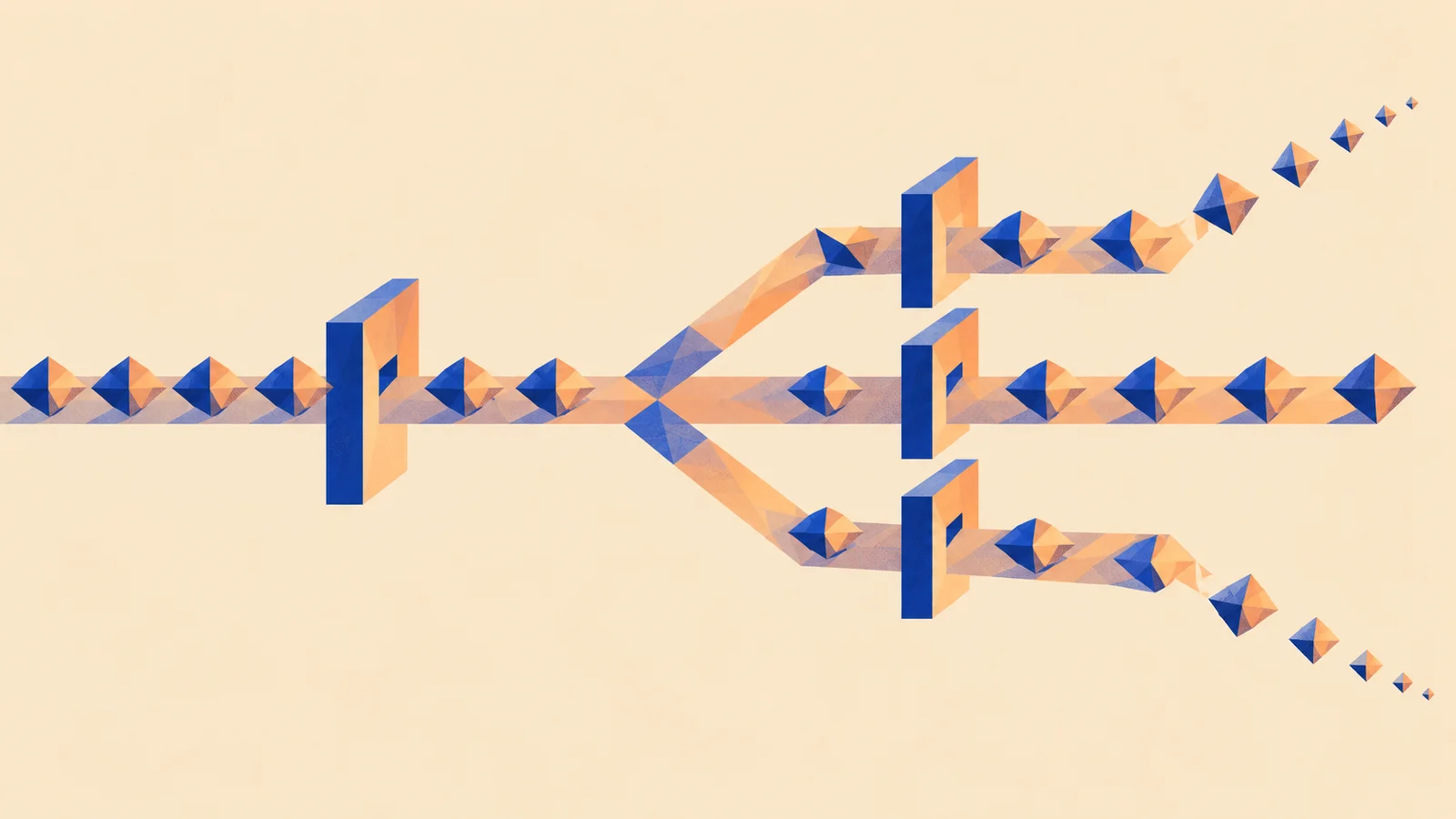
Inside process, the starter does what the pedal does: each sample goes through driveTransfer, the soft-clip curve, and then through onePoleLowpassTick, a one-pole low-pass whose coefficient comes from Tone. The filter's last value is kept between blocks, so the tone doesn't restart every few milliseconds.
The order of those two lines is the sound design. Drive first creates new harmonics; the low-pass after it decides how many survive. That's what you heard in the lab when Tone tamed the fizz.
How fast does a move arrive?
When the host delivers your Tone edit, it splits the current audio block at the frame where the edit landed and calls process twice: once with the old value, once with the new. Since the starter computes its filter coefficient at the top of each process call, the new Tone takes effect right at that frame.
Arriving on time isn't the same as sounding smooth, though. A value that jumps instantly can still click, especially on a control like Drive that reshapes the wave. Making a move sound smooth is a design choice inside the Processor, and it's where the next guide starts.
Same idea, different place: a module is a tiny patch with named inputs, outputs and controls. Signal flow follows the same kind of trace through a whole mix, by ear.
Graph or Processor?
There are two ways to make the sound part. A Graph module wires together nodes the SDK already has: a filter here, a gain there. A Processor module writes the sound in TypeScript, calling small shared pieces like driveTransfer and onePoleLowpassTick. The starter has a Graph twin, sdk-graph-effect, which wires an existing filter and gain.
Neither is the grown-up version. If the nodes describe your sound exactly, a Graph is less code to own. The moment they don't (an unusual curve, a custom voice), a Processor gives you the samples. Either way the other four parts stay the same.
Make it yours: add an Output control
Create your own copy of the starter:
npm create maru@latest my-drive -- --kind processor-effect
Plan one new parameter, Output, before you write it. Adding a parameter touches a small, predictable set of places:
-
Schema. Append one descriptor to the
paramslist insrc/contract.ts, after Tone. Appending keeps existing automation pointing at the right controls.
{ path: "output", label: "Output", group: "Main", type: "float", min: 0, max: 1, default: 1 },
Processor. Add output to the state, give it a starting value in createState, accept it in setParameter, and use it on the last line of the sample loop, multiplying filtered before it's written out.
Face. Bind a control to the "output" path if you want one on screen. Skip this and hosts can still show it as a plain slider.
Test. Check that Output actually changes the sound, and that it comes back after a reset.
Write those four edits as a checklist before touching code, then run your project's dev preview and move the new control while audio plays. When you can hear it, you've traced a module end to end.
Quick check
- A teammate makes the Tone fader feel better by bending its curve inside the face. Automation still feels the old way. Why? Automation and MIDI read the parameter from the schema, not from the face. The response curve belongs on the descriptor, so every way of moving Tone agrees. Fixing it in the face is tempting because that's where you noticed it.
- You swap the two lines in
processso the tone filter runs before the drive. What do you expect to hear? The filter now dulls the guitar going in, and the drive grows fresh fizz from what's left, so Tone feels weaker at taming harshness. The code is just as correct; the sound design changed. - A MIDI tool module has no audio output at all. Is it unfinished? No. Its ports are notes in and notes out, and its Processor works on events instead of samples. Ports describe what a module is.
Next steps
- Explore the chapter: Effects. Explore the musical behavior a processor can implement before choosing its controls.
- Use it: Build an effect. You can read a module now. What does it take to make one that keeps a musical promise, even while the knob is moving?
- Go deeper: Controls, macros and ranges. Choose what a new parameter should let a musician do, and how its range should feel.