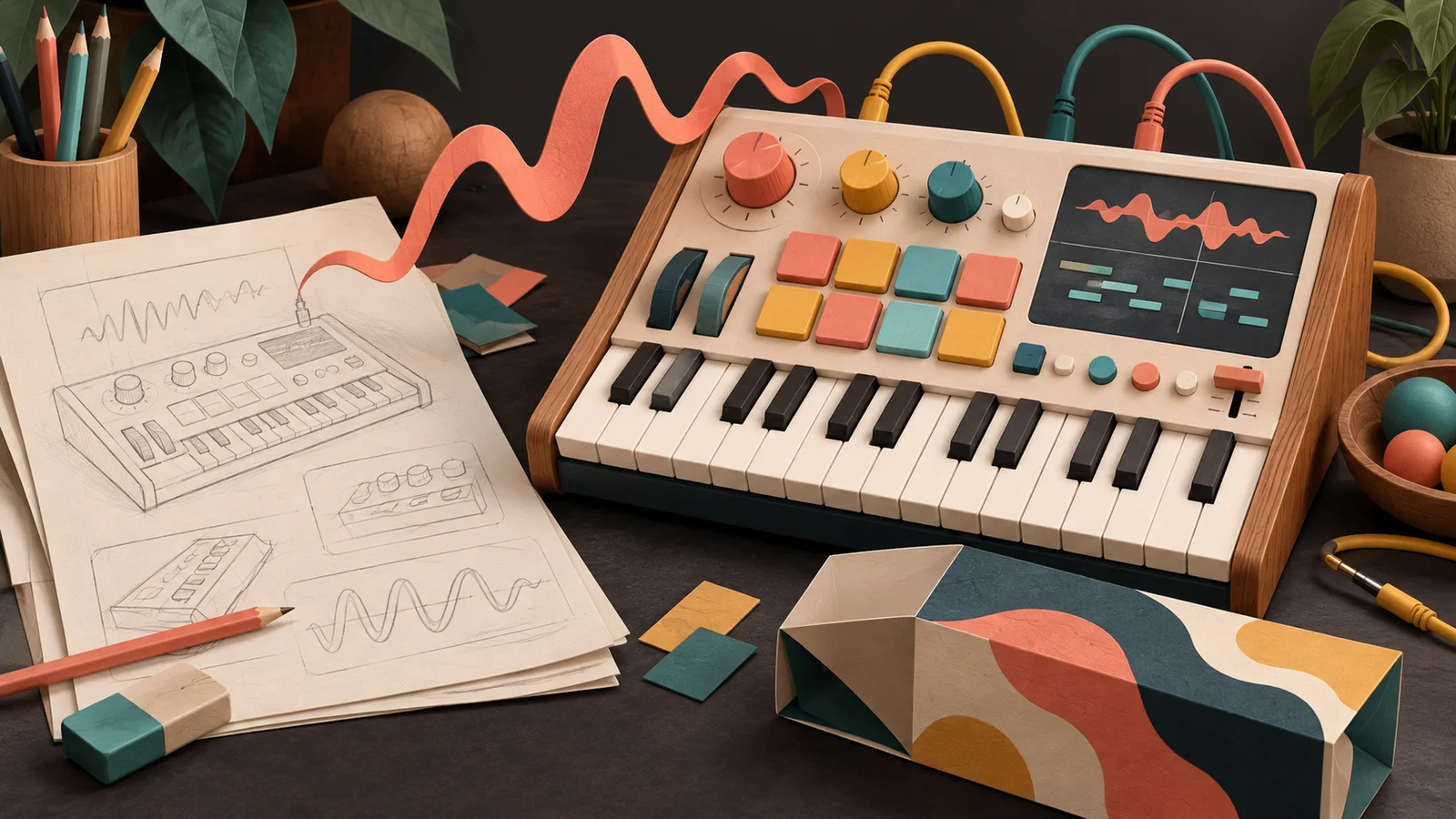
Open the preset menu on the keyboard below. Before you play each preset, read its name and guess what it's for: which song, which part, which moment. Then play it and see if you were right.
Read a preset name, guess its job, then play it. Which names told you the truth before you heard a note?
Ten presets, ten jobs
FM Keys
A four-operator FM keyboard with no filter.
Notice what the list doesn't contain: thirty versions of the same electric piano. There are two electric pianos, and they're a pair on purpose: Glass is the instrument played gently, Bark is the same instrument played hard. Everything else is a different job. A bass for the low end, a pad for under a chorus, a pluck for a riff, a drum for a groove.
Here's a prediction to hold onto. Which would a new player find more useful: six presets with six different jobs, or thirty presets that are each a slightly different "best sound"?
The preset that defined a decade
When Yamaha released the DX7 in 1983, it sounded like nothing else: glassy, bell-like, precise. It was also famously hard to program. FM synthesis is not intuitive, and the DX7 asked you to edit it through rows of membrane buttons and a single data slider, one parameter at a time, on a small text display.
So most people didn't program it. They played the factory sounds. One of them, E.PIANO 1, became one of the defining sounds of 1980s pop: the shimmering electric piano under countless ballads. For a huge number of musicians, that preset was the DX7.
That's the lesson every instrument maker relearns. For most players, the presets aren't a bonus on top of the product. They're the product's first sentence, and sometimes its whole story. The default is the sound people hear before they've decided whether to stay. FM Keys opens on E-Piano Glass because it says, in one chord, what the instrument is good at.
A name is a promise about a job
A preset name is the first thing a player reads, and they use it to decide whether to try it. "Short bright pluck" is a promise you can test: play it, and it's either short, bright and plucky, or it isn't. "Ultimate Pro Warmth" tells the player nothing they can check, so they have to audition it and guess.
Effect presets make this especially clear, because the best names describe a problem or a result. Here are three EQ presets drawn from their settings:
Three EQ presets, three jobs
Each one has a name you can act on. If your mix sounds muddy, you know which one to try. If you want a voice to sound like it's on the phone, you know where to go. And once you've heard what Clean Up Mud does, you've learned something about EQ: mud lives in the low middle, and a cut there clears it. A preset named for a problem is a recipe in disguise.
Try Clean Up Mud, then Telephone, then Warm Tilt. Could you have guessed each sound from the name alone?
Named for a problem
EQ
Three-band equalization with two crossovers.
Mood names have their place, especially on an artist's instrument where the atmosphere is the point. Pair them with a hint of the job. A player choosing between "Night Window" and "Paper Lantern" should still be able to tell which one is a sustained pad and which is a short pluck.
Same idea, different place: Making room with EQ starts from a relationship between two parts, a vocal and a guitar fighting for the same space. A preset called "Clean Up Mud" is that relationship turned into one click. The best ones teach the move as they apply it.
Different doors, not thirty rooms
Think of a preset set as a set of doors into your instrument. Each one should open onto a different place: a different part in a song, a different way of playing, a different problem solved.
Thirty slight variations of your favourite sound are thirty doors into the same room. They feel generous while you're making them. To a player they're a chore: scroll, audition, compare, scroll again, with no way to know which one is meant for them.
A good set covers distinct jobs. For a keyboard instrument that might be: something to play chords on, something for the low end, something short and rhythmic, something slow and spacious, and one deliberately strange sound that shows how far the instrument can go. For an effect, include a gentle, everyday setting as well as a dramatic one. Telephone shows off the range of an EQ; Clean Up Mud is the one people reach for every session.
Pairs can be doors too. E-Piano Glass and E-Piano Bark share the same wiring; Bark pushes the modulation harder and makes the instrument respond more strongly to how hard you play. Put side by side, they teach the player what the instrument does when you dig in, which is the subject of what makes an instrument inspiring.
Where it breaks: loud and lucky
Two things make a preset set look better in the studio than it is in someone's song.
Loudness. Louder almost always sounds better on first listen. Brighter, bigger, more exciting. If one preset is a few decibels hotter than another, it will win every quick comparison, including the ones you run while designing. When you choose between presets, set them to the same loudness by ear first. Then ask the real question: which one leaves room for the voice, or keeps the short notes clear? The listening and comparing guide shows how much a small level difference can fool you.
One source. A preset tuned on one recording, or one phrase in one register, can fall apart on the next. An EQ boost that adds sparkle to a dark guitar makes a bright vocal harsh. A pad tuned on slow chords smears fast ones. Before you keep a preset, play it on something you didn't design it on. If it only works on one source, it can still be useful, but name it for that job.
Make it yours
Take an instrument or effect you've built, and give it a set of five presets that someone would actually use.
- Write five jobs first, one line each, before you touch a knob: "soft chords under a vocal", "bass that stays clear on fast notes", "a pluck for a riff". Each job should invite different playing.
- Make each sound serve its line. If two presets end up doing the same job, merge them and use the free slot for something different.
- Play every preset on a second phrase or source at a matched level. Keep the ones that still do their job. Adjust or rename the rest.
- Pick the default: the one preset that says, in a single phrase, what your instrument is for.
- Save the set. Next time you or anyone opens the instrument, there are five clear ways in instead of one blank page.
To see a set with distinct jobs from the inside, open FM Keys from the first lab and play each preset on the same short phrase.
Quick check
- You have twelve presets, all lush pads, all slightly different. A tester says they "all sound the same". Are they wrong? Probably not. To you they differ in detail; to a player they all do one job. Keep the best two or three, and use the spare slots for different jobs: a bass, a pluck, something rhythmic.
- Clean Up Mud makes your vocal sound thin. Is the preset broken? No. Your vocal didn't have much mud to begin with, so the cut took away body instead. A preset is a starting move. Back the low cut off until the voice is clear without getting thin, and you've learned what the preset was trying to do.
- In a quick comparison, your new preset beats the old one every time. What should you check before you replace it? Loudness. If the new one is louder, it'll win whether or not it's better. Match them by ear and compare again on a second phrase.
Next steps
- Use it: Interface and first use. The default is ready. Now look at what a new player sees and touches before they ever hear it.
- Go deeper: Presets, state and automation. What a preset actually has to remember so it comes back exactly right.