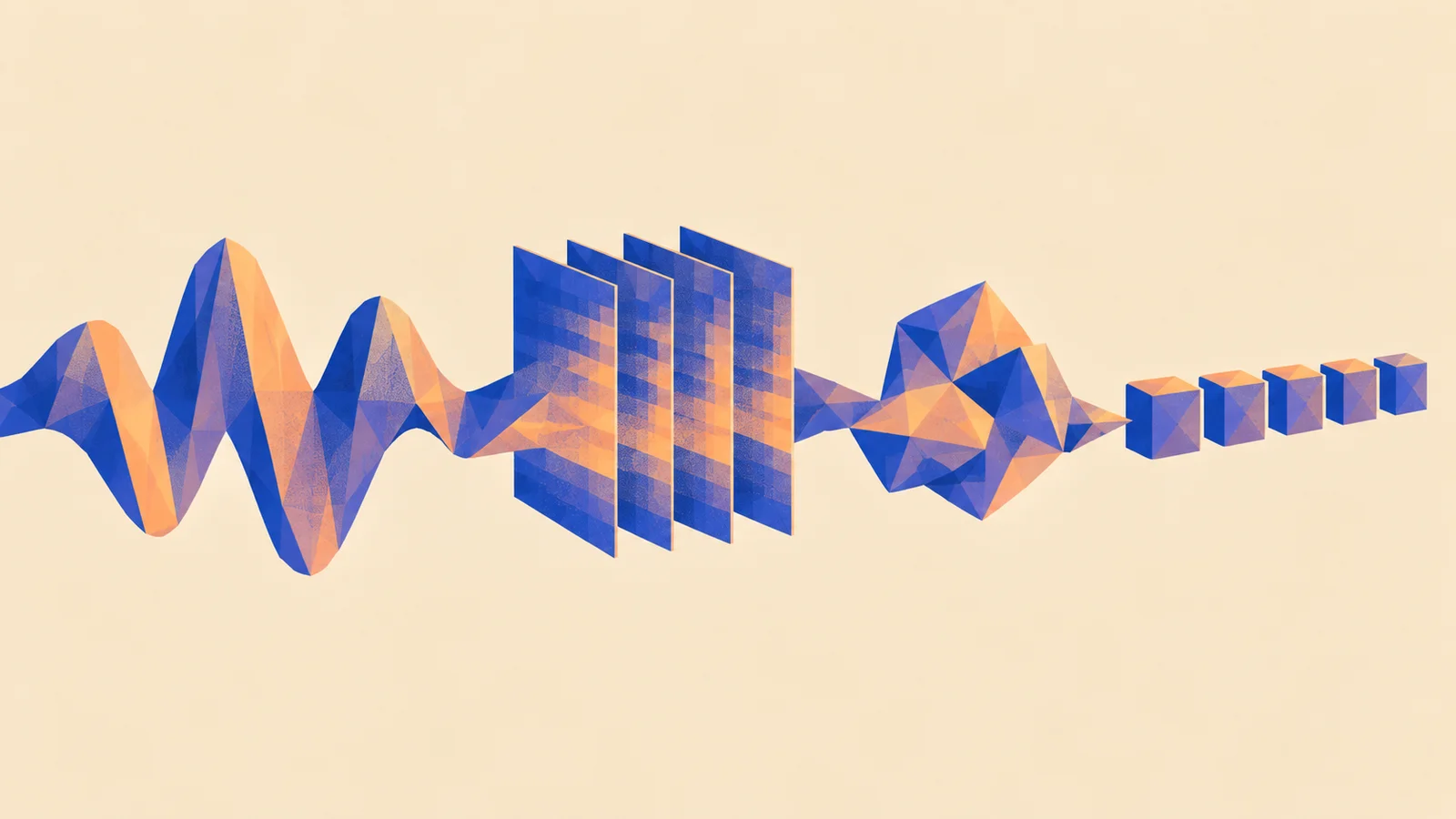
Listen to the loop and list the sounds you can identify. Now imagine offering a model only two answers: “a dog barking” and “a piano playing”. What should it say when neither fits?
Which sounds are separate enough to name, and which would need an unsure answer?
Listen before the labels
ReplayA fixed-label classifier and a text-matching model handle that problem differently. This project gives you a small comparison you can repeat before spending time on training.
1. Choose two different kinds of listener
Use the Audio Spectrogram Transformer example for a classifier with a checkpoint's existing labels. Use the CLAP examples to compare recordings with descriptions you supply. Their processors and output scores differ; follow each example's preprocessing.
The Hugging Face classification lesson introduces both approaches. These external examples need Python, model downloads and their documented dependencies. For setup records and comparing outputs, use the developer experiment guide.
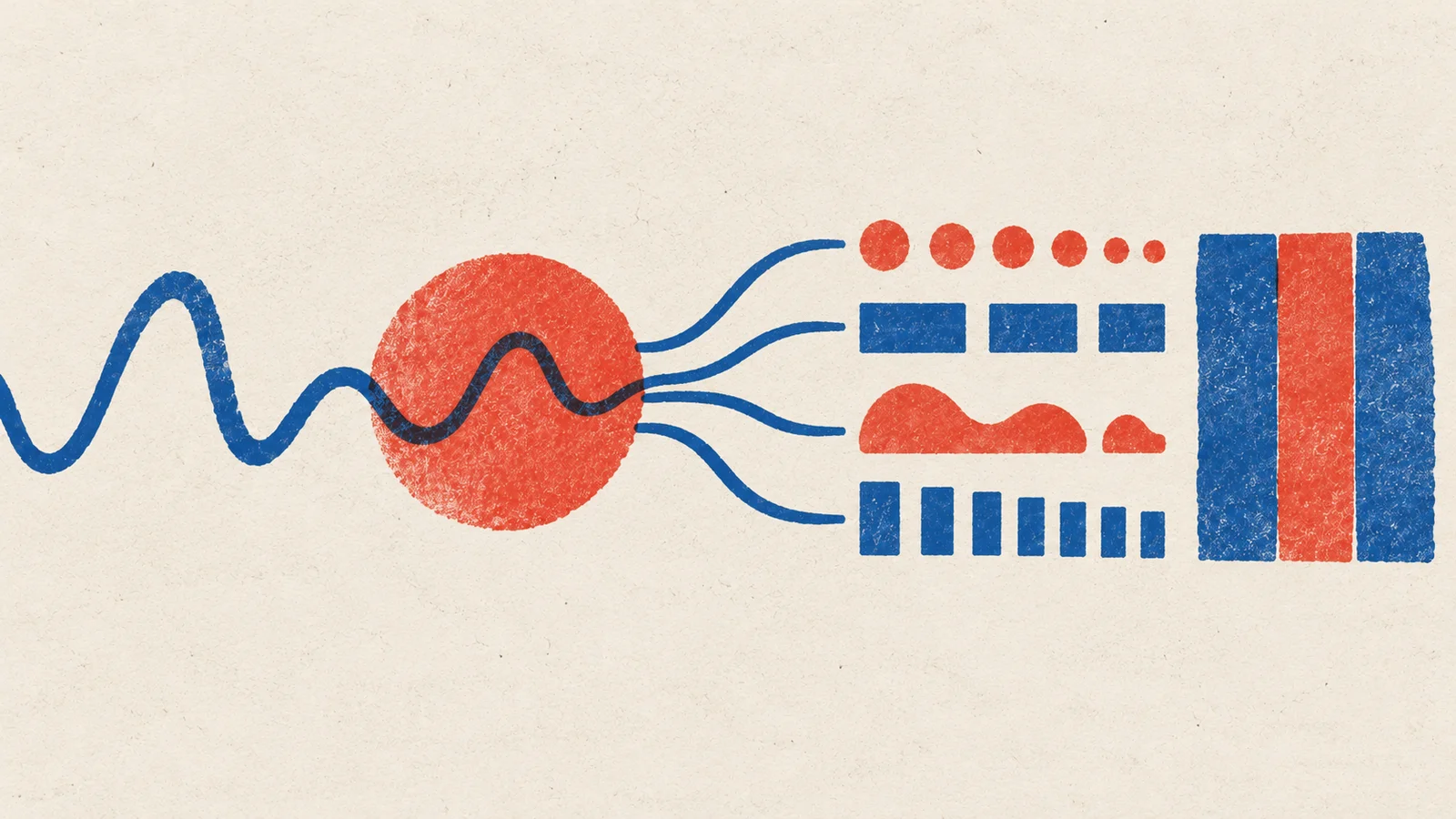
Two questions about one clip
Checkpoint: two named checkpoints, their input sample rates and a note about whether their labels can describe your library.
2. Freeze a small listening set
Choose twelve owned clips: four isolated hits, four sustained sounds, two mixtures, one quiet room and one silence control. This is a proposed teaching set, not a benchmark sample-size claim. Write an audible reference for each without guessing its exact instrument when you cannot tell.
Run both models on the same decoded clip content, resampled for each processor. Save the original scores and labels. Keep a softmax ranking separate from independent multi-label scores; a clip can contain several sounds.
Checkpoint: twelve rows with references and unedited predictions, including mistakes and clips neither model describes well.
3. Change the question without changing the sound
For CLAP, start with descriptions of a dry wooden hit, a metallic ring and a held bowed tone. Then add near alternatives: a wooden hit in a room and a muted metallic hit. Predict whether the original winner's displayed score will stay the same.
If scores are normalized across the candidates, adding candidates changes that normalization. A high score among poor descriptions can still be a poor match. Save the candidate list with every result so the comparison remains meaningful.
For AST, inspect which expected sounds are missing from its label vocabulary. Do not count an impossible label as an ordinary recognition mistake.
4. Decide whether training would help
If wording alone fixes retrieval, keep that simpler route. If your library needs consistent custom labels, try a frozen encoder with a small classifier head before changing the whole encoder. The supervised classification tutorial shows a training workflow; its speech-intent task needs a different dataset and label head for musical tags.
Split recordings by source session before creating crops. Keep validation for choosing settings and a separate final test. Report results per sound role, including an “unsure” policy, so a large easy class cannot hide a failing one.
Keep it: save the comparison sheet and one sentence choosing retrieval, custom classification or further investigation. Repeat on a new recording session before treating that choice as reliable.
Quick check
- A score rises after you remove competing descriptions. Did the sound become easier to recognize? The question changed. Recheck the same candidate list before comparing scores.
- The model tags a drum loop “percussion” but misses the quiet shaker. Is the whole clip understood? Only part of it is described. Mixture coverage needs its own check.
Next steps
- Go further: Test an audio-language model. Ask about attack and texture, then check whether the extra detail is audible.
- Preparation: How models see audio. Connect each model's input representation to the details it keeps.