Listen first. Write two things you hear and one thing you cannot confidently name. Would a longer, more detailed answer necessarily be a better description?
Name an audible event and its texture without guessing the instrument model or recording location.
What can you actually hear?
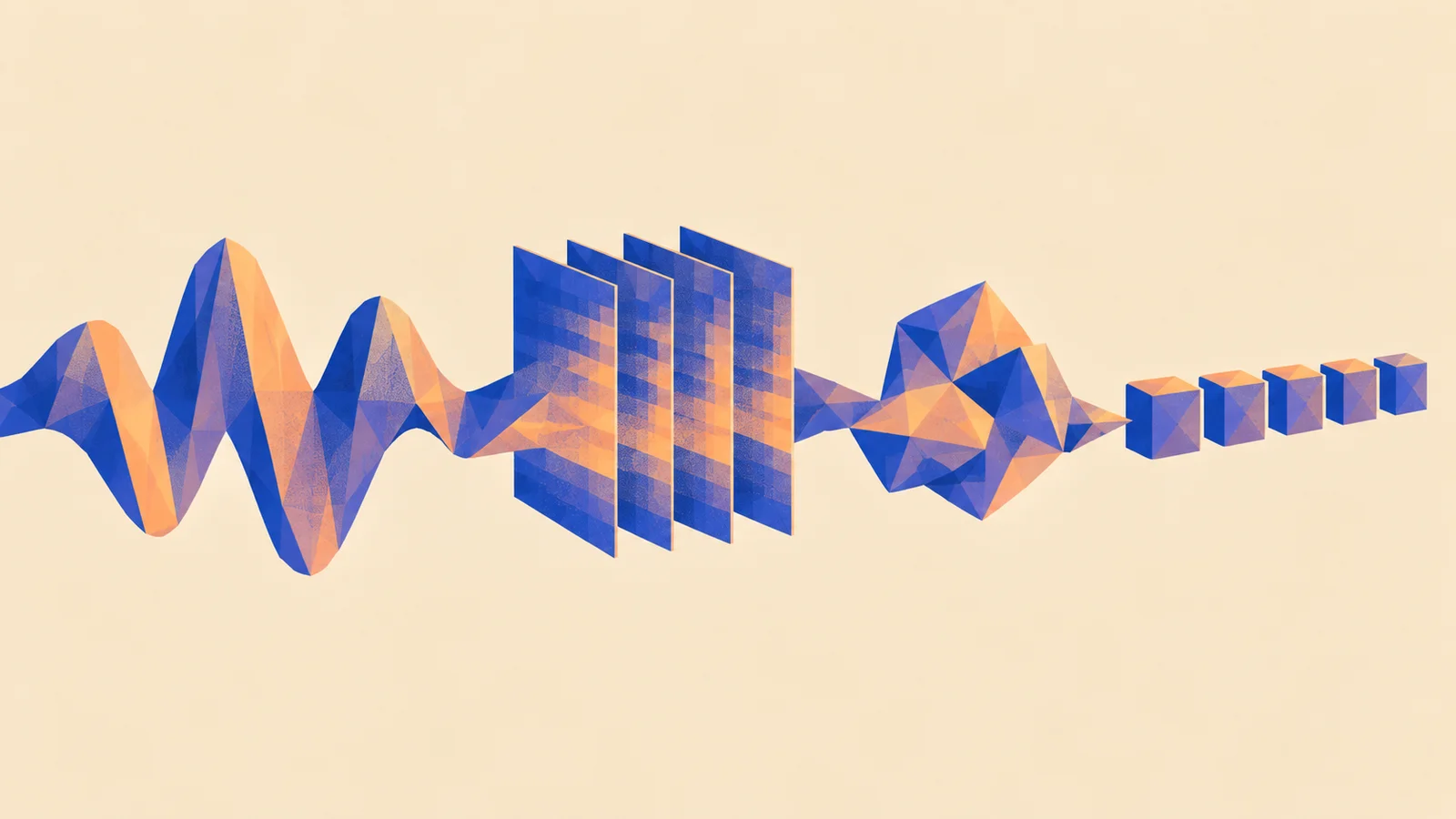
ReplaySpectrogram window: 2048 samples, 42.7 ms at 48 kHz; bins every 23.4 Hz. Shown up to 12 kHz.
An audio-language model accepts a recording and a question, then writes an answer. You will test whether those answers help with a real listening task before connecting the model to an application.
1. Pick the kind of connection you need
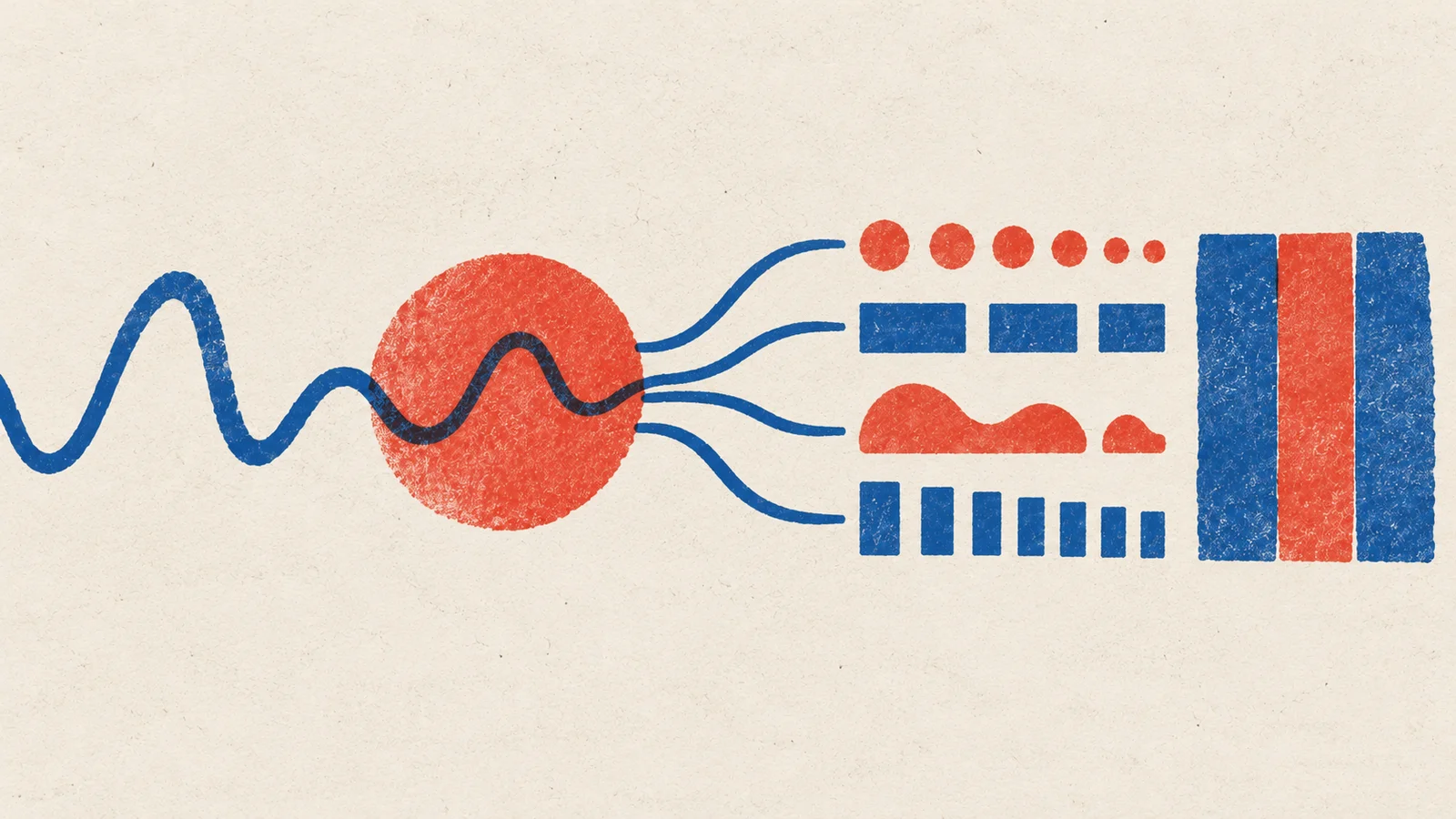
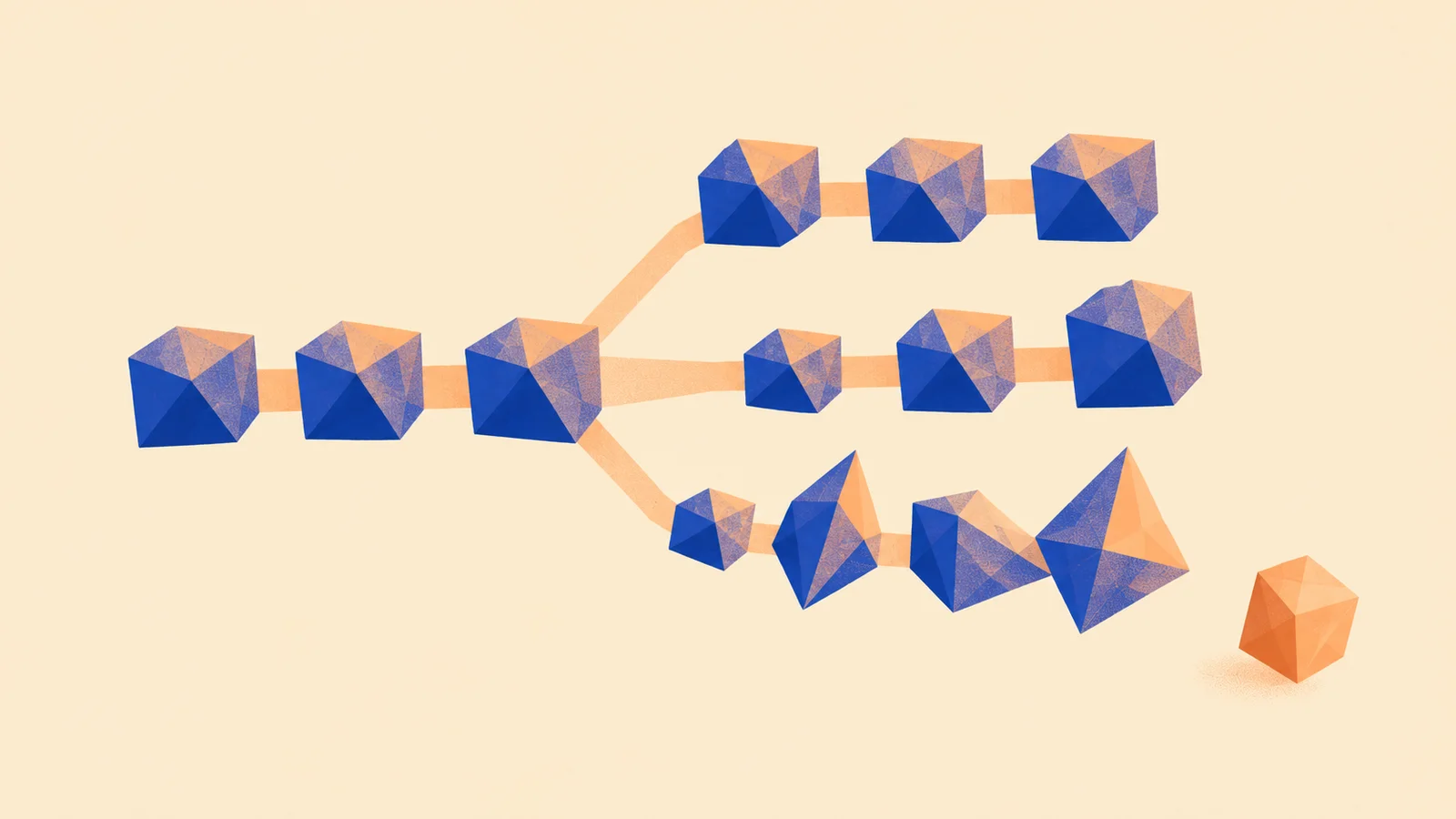
For a fixed tag such as “percussion present”, a specialist encoder may be enough. For “describe the attack and tail”, a learned audio-to-language connection can support a free-text answer. A common server can host either approach; it does not train that connection.
Three meanings of connected
Qwen3-Omni's Instruct model card provides an integrated example. Use its exact processor and reference setup; start with text answers, which avoids adding speech playback to the experiment. Its generated speech is not editable MIDI or a sampler bank.
2. Ask questions with checkable answers
Choose a small owned set with isolated sounds, mixtures, quiet backgrounds and silence. Keep filenames neutral so they do not reveal the answer. Write an audible reference before running the model.
Use the same three questions for each clip:
- What sound events are audible? Say when you are unsure.
- Which event repeats, and which is sustained?
- Describe the attack and decay without guessing a brand or location.
These are suggested study questions. A model's precise event times, instrument identity or tempo remain estimates to check independently. If you need exact measurements, use the relevant analysis tool rather than treating a sentence as a measurement.
Checkpoint: the clip references and questions, frozen before you inspect answers. The developer guide explains the environment and raw-output record for reference inference.
3. Compare detail with correctness
Save the unedited answers. Mark supported observations, missed events and unsupported claims separately. For a fixed question such as instrument-family presence, compare a specialist using the classifier project. Do not compare its label score directly with the language model's prose.
Repeat identical inputs to expose sampling variation, and use the same question on silence. A confident description on silence is a useful failure to retain. Decide whether free-text answers improve your workflow after accounting for the time needed to check them.
4. Choose the next experiment
If descriptions consistently miss your sound family, the audio-text-to-text tutorial documents a captioning LoRA route using Audio Flamingo 3. It adapts a released model with audio/text examples; it does not combine arbitrary checkpoint files. Treat this as a separate training run with independent source splits.
If answers already help and serving is the difficulty, vLLM-Omni is a candidate for supported model stages. First measure the reference setup, then compare the same model and clips on the server. Record cold and warm latency, memory, cancellation and failed requests. One endpoint can coordinate multiple workers and models.
Keep it: an answer sheet with failures intact and a decision: use a specialist, keep free-text answers, investigate adaptation or compare serving.
Quick check
- The model correctly says “metallic” and invents an exact cymbal brand. Is the full answer correct? Keep the audible observation and mark the brand as unsupported. Correct detail does not validate the rest.
- Two checkpoints run behind one endpoint. Have they learned to share audio features? That requires a compatible trained architecture. The endpoint establishes request handling.
Next steps
- Use it: Adding a model. Turn a successful experiment into a feature that handles loading, failure and saved results.
- Sideways: Adapt a sample generator. Compare a model that makes sound with one that describes it.