Play this phrase, then move its last note. How much of the musical idea changes when you fix only the ending?
Which final note gives you an ending worth keeping?
Keep the phrase, change the ending
Loading the phrase…
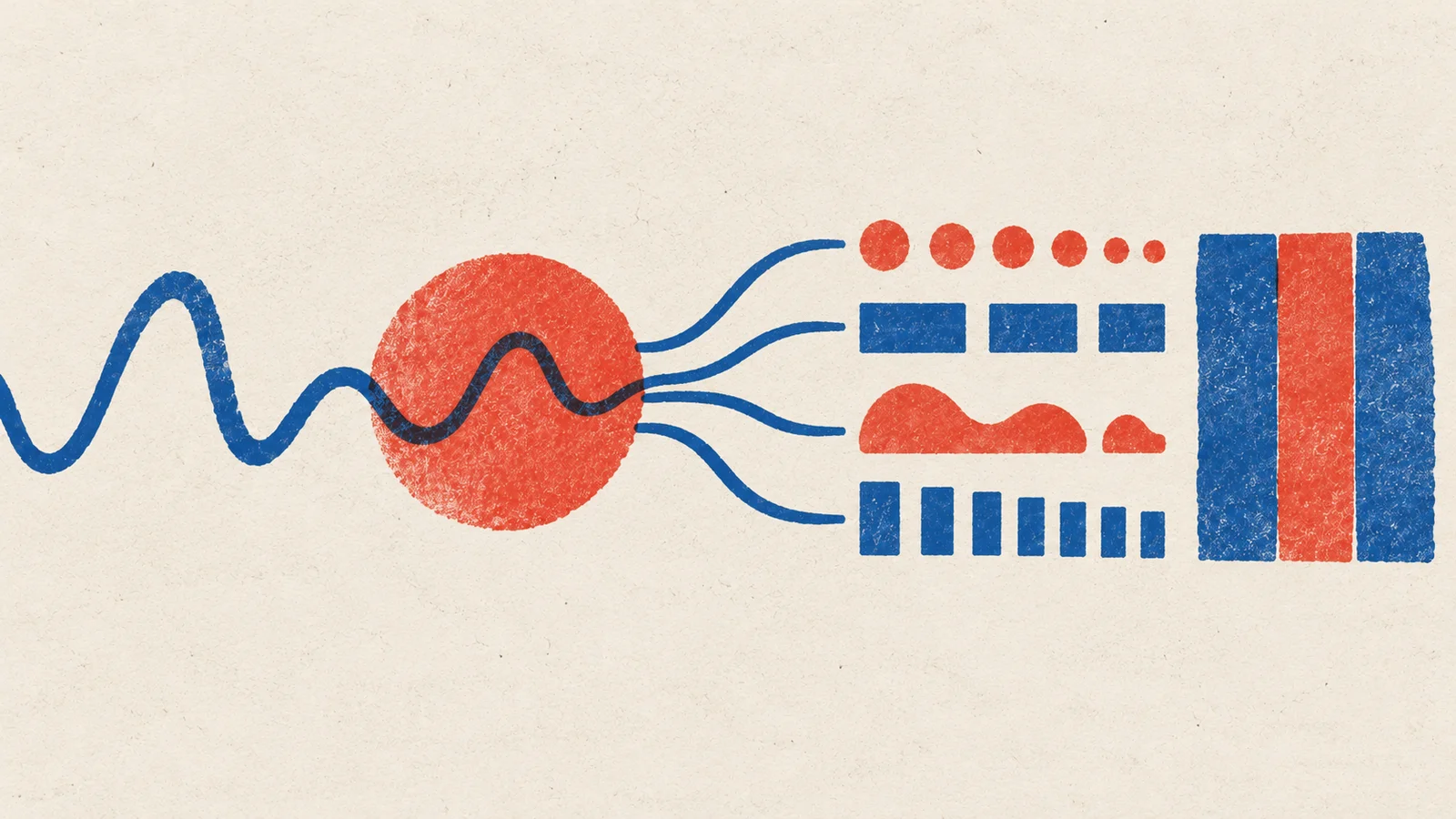
That small repair is why generating MIDI is useful. This project takes owned phrases through a musical tokenizer and a small next-event model, then brings the result back into an editor.
1. Prove the notes survive the round trip
Start with one short monophonic MIDI file. The MidiTok conversion example shows MIDI to tokens and back to a saved file. This first step needs Python and MidiTok, but no model weights or GPU training.
Import the original and decoded MIDI into the same editor. Compare note count, pitch, start times, lengths, velocities and tempo changes. Some representations quantize timing or velocity. Decide what loss you can tolerate before you ask a model to learn it. Keep sustain pedals, drums and multiple tracks for later tests with a representation that supports them.
Checkpoint: an original file, a decoded file and tokenizer settings that preserve the musical details this experiment needs.
2. Decide what is learning
Training a tokenizer compresses event sequences into a vocabulary. Training a composer teaches a model which event should follow the events already present. They solve different problems.
Predict the next event
For a small teaching model, start from a model configuration with a vocabulary sized for your tokenizer. If you fine-tune an existing musical checkpoint, reuse its exact tokenizer, event order and special tokens. A generic text checkpoint's word vocabulary cannot decode musical events without adaptation.
3. Prepare phrases before training
Separate whole compositions into training, validation and final-test groups. Keep alternate takes and transpositions of one composition together. Then make overlapping windows and augment only within the appropriate group. Learn any compressed vocabulary from training material alone.
Use MidiTok's PyTorch data tools for datasets and padded batches. Pair them with a causal model and optimizer; the causal modeling tutorial explains next-token training. Replace its text data preparation with your musical event batches. The developer experiment guide names the padding, label-shift and checkpoint checks to make before a longer run.
Verify that one small batch runs before scaling the dataset. Use validation to select settings. Save model configuration and tokenizer together: the model's output numbers only make sense with that vocabulary.
4. Compare a continuation you can edit
Choose an unseen phrase prefix. Compare repeating that prefix, the untrained model and the selected trained checkpoint, with the same continuation length. Use several fixed sampling seeds, and save failures before editing. Check invalid event sequences, stuck notes, density, range and copied training phrases.
Decode the continuations into MIDI and play them through the same instrument at the same tempo and level. Choose one continuation, change its weakest note or rhythm, and keep the raw and edited versions. If the simple repetition baseline is musically stronger, write down what the model still needs to learn.
For a different architecture, MusicVAE's author resources offer latent phrase interpolation examples. Those historical demos need their own environment; this is a comparison route, not a drop-in replacement trainer.
Quick check
- The model has lower loss, but decoded phrases have broken timing. What should you check first? Recheck the tokenizer round trip and model/tokenizer pairing. Training cannot repair a mismatched event language.
- A transposed training song appears in the test set. Is it a new composition? It shares structure with the source. Keep both versions together so the test asks about new music.
Next steps
- Use it: Jam with a model. Make musical call and response from the phrases you keep.
- Go deeper: Generating notes. Connect sampling choices to repetition, surprise and editable output.