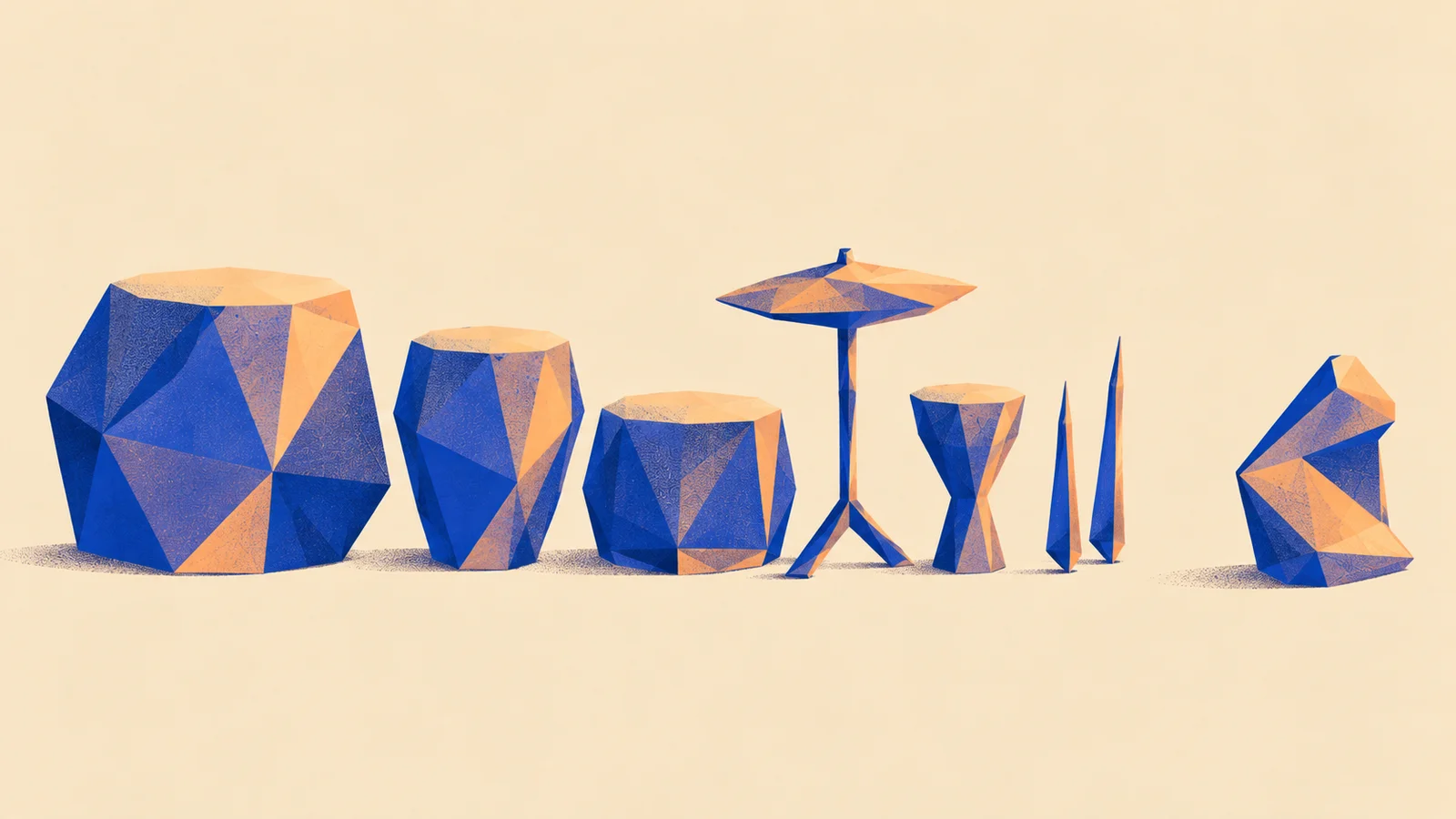
A wooden hit with a beautiful ringing tail can make a fast rhythm feel muddy. Before training anything, listen for the space between hits: would a longer tail help this pattern or cover the next attack?
Where would an extra ringing tail crowd the rhythm?
Listen between the attacks
ReplayThe aim is three new one-shots you would put on pads. You will compare an adapted generator with the model it started from, using your recordings to teach a narrow family such as dry wooden percussion.
1. Save what the unchanged model can do
Try Maru's one-shot generator for a first sound, or use the upstream generator you intend to adapt. Read its sharing notice before using private material. A hosted first try helps you judge the task; the controlled training comparison needs the exact base and settings used by your external trainer.
Write three requests: a short sharp knock, a soft muted knock and a hollow ringing knock. Generate each with four saved seeds. Keep all twelve outputs, including failures. These proposed counts keep the exercise small; they are not a statistical quality guarantee.
Checkpoint: an unchanged-base listening set and a sentence describing what is missing. If the base already does the job, keep its sounds and skip training.
2. Make the dataset describe your sound
Record different attacks, dynamics and tails. Caption audible properties, such as “soft hollow wooden tap, little room, short decay”. Avoid calling every recording simply “my style”: the model needs a useful connection between words and sound.
Keep source sessions in separate training, validation and test groups before making crops. One session's near-identical hits in several groups would make memorization look like generalization. If you lack independent sessions, record more or label the result as a setup exercise.
Separate sources before making variations
The personal-model lesson explains the different training routes and recording coverage in more detail.
3. Use a supported adapter recipe
Stable Audio 3's LoRA guide provides an external training route. Use the base, dataset preparation and adapter configuration documented together. An adapter stores learned changes; you still need the compatible base to use it. Follow the author's hardware and installation instructions before renting compute.
Choose one documented starting configuration and keep it fixed for the first run. Save an early and a later checkpoint where the trainer supports it. Changing rank, captions, duration and learning rate together would leave you unable to tell what helped.
For an architecture comparison, AudioCraft's MusicGen guide offers codec-token generation and fine-tuning resources. Start that as a separate experiment: the adapter file and training recipe are not interchangeable.
4. Choose by the musical job
Generate the saved prompt/seed suite with the base and candidate checkpoints, holding duration and sampler settings fixed within that comparison. Hide their names and level-match listening copies. Keep original WAVs unchanged so level processing cannot hide clipping or silence.
Judge sharpness, tail length, family resemblance and variation. Check for copied phrases or repeated artifacts. Compare failures as well as favorites; a sampler needs several usable hits, not one lucky result. Select settings on validation material, then use the untouched test material for a final review.
Keep it: export three useful WAVs and one instructive failure, plus the base/adapter versions, prompts, seeds and what you heard. The developer guide gives a reusable run record. Keep the base if adaptation did not improve your musical goal.
Quick check
- Training loss falls, but all the hits begin with the same scrape. Keep training? First inspect source repetition and compare earlier checkpoints. A falling loss can accompany memorized defects.
- A new library plays every exported WAV. Can it also load your adapter? WAV playback and model execution need different software. Keep the playable sounds even when the destination cannot run the model.
Next steps
- Use it: Generate a drum kit. Turn chosen hits into a coherent playable bank.
- Sideways: Train a MIDI model. Learn patterns while keeping the instrument sound editable.