One of the earliest electronic instruments was played without touching it. The theremin, invented by Leon Theremin around 1920, reads the distance of one hand to set pitch and the other to set volume, and players move their hands through the air like they're shaping something invisible. A camera can give you a version of that: raise your hand, and a filter opens.
Before any camera, try the sound your hand would be moving. Drag Cutoff slowly from the bottom to the top, the way a hand rising from your lap to above your head would.
Sweep Cutoff slowly from bottom to top. Where does the musical part of the sweep start and stop?
The sweep your hand would play
Synth Texture: Komiku, CC0 1.0
You probably found that the interesting part is a slice of the range, not all of it. The bottom is mud, the top barely changes, and the expressive bit lives in between. Hold that thought, because deciding which slice your hand reaches is half of designing a gesture.
Now a question for later. When your hand leaves the camera's view mid-sweep, what should the filter do: stay where it was, slam shut, or drift back to a resting point? Pick one before you read on.
The camera never makes a sound
It's tempting to picture the video feed turning into audio somehow. It doesn't. Here is the whole journey of a gesture:
From a hand to a filter
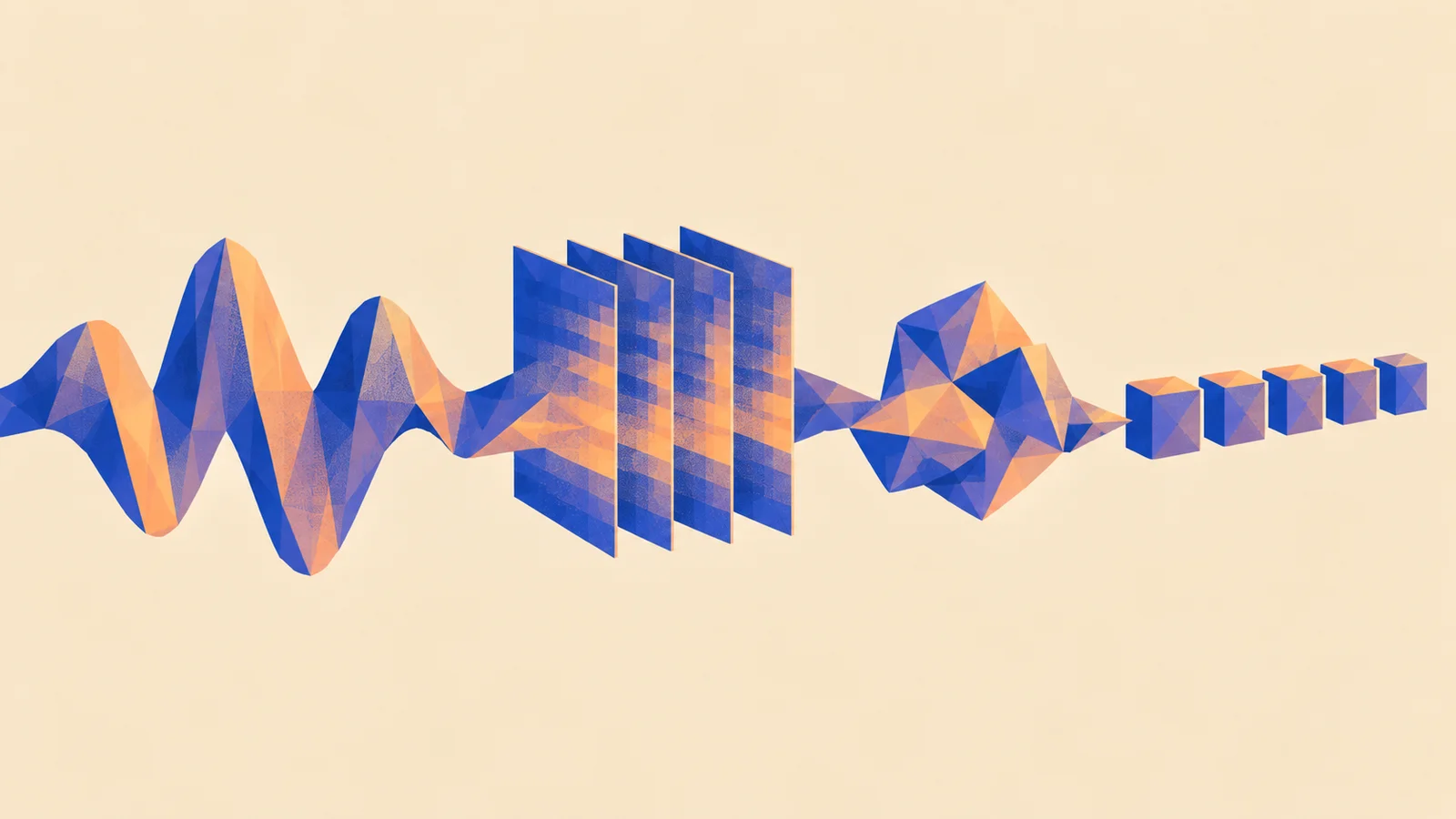
The hand tracker is a small machine learning model. It looks at each camera picture and estimates where 21 points on your hand are: wrist, knuckles, fingertips. From those points you pick one measurement, like how high your hand is in the frame or how far apart your thumb and finger are. The mapping then turns that measurement into a control a synth or effect understands, here a MIDI control from 0 to 127 sent to the filter's Cutoff. Turning movement into control is one of several jobs a model can do in music, and the only one here that never touches audio; What AI can do in music maps the others.
The tracker runs inside your browser. The camera picture is analysed on your device and only the hand positions come out of it; the video isn't uploaded anywhere. The camera only starts when you choose to start it.
With the same camera and tracker, you can change the feel through the mapping: which slice of your movement counts, how it curves, how it's smoothed, and what happens when the hand disappears.
Give your hand a range
Your hand can comfortably cover maybe the middle half of the camera picture without stretching. If that middle half has to reach the whole useful part of the sweep you found above, then the mapping needs two pairs of numbers: where your hand starts and stops counting, and where the filter starts and stops.
This is the same design choice a theremin player makes by standing in a particular spot, and the same one you make when you set an expression pedal's heel and toe positions. A mapping that uses the filter's full range forces your hand to spend most of its journey in the mud and the top. A mapping from "hand at chest" to "hand at forehead" onto "a few hundred hertz" to "a few kilohertz" puts all of your movement where you can hear it.
A curve decides where the change happens along the way. A straight mapping changes the cutoff evenly as you move. Ears hear pitch and brightness in ratios, so a curved mapping that spends more of your movement on the low end often feels more even to play.
Play the movement, not just the notes explores what to do with that range: let a held chord brighten between vocal lines, or bring vibrato into the ending of a note.
A still hand isn't a still number
Hold your hand perfectly still in front of a camera and the tracker's estimate still shivers. Lighting flickers, the image has noise, and each frame is a fresh guess. That shiver is jitter, and a filter that follows every guess will warble.
The fix is smoothing: let the control move only part of the way toward each new estimate. Smoothing calms jitter, but it also makes a real, quick movement arrive late. Here are both effects on one drawing:
Jitter, smoothing and a lost hand
Look at the moment the hand is raised. The tracker line jumps; the smoothed line takes about a third of a second to follow. For a slow swell, nobody will notice. For a gesture that should land on the beat, it'll feel like the filter is wading through syrup. More smoothing, calmer and later. Less smoothing, quicker and shakier. There's no setting that's right for every gesture; there's only the right one for this part.
Same idea, different place: a compressor faces the exact same trade. Its detector has to follow a jittery signal, the level of your audio, and its attack and release choose between following closely and staying calm. If you've tuned a compressor's release, you already have the instinct for this. See Compression.
When the hand disappears
Now the question from the top. Look at the end of the figure: from two seconds the tracker has nothing to say. Your hand left the frame, or crossed the other one, or the light dropped.
Missing is not the same as zero. A hand at the bottom of the frame is a real, low reading. A vanished hand is no reading at all. If the mapping treats them the same, the dashed line is what you get: the filter slams shut the moment you reach for a drink, then sweeps open again when you come back. In a quiet passage that's a disaster; in a noise track it might be the point.
There are three reasonable choices, and each has its music:
- Hold keeps the last value. Good for a pad you set and walk away from.
- Rest glides to a chosen resting value. Good when "no hand" should mean "back to normal".
- Release matters when gestures play notes: every note your hand started must end when the hand disappears, or it'll hang forever.
If you guessed "stay where it was", you picked Hold, which is the safest default for a filter. If you guessed "glide back", you were thinking like an instrument designer about what silence should sound like. Both are right if you chose them on purpose.
Where gestures get tiring
A mapping can be technically perfect and still unpleasant to play. Theremin players will tell you the hardest thing about their instrument is that there's nothing to touch: no fret, no key, nothing to rest against. Gestures in front of a camera share that. Holding an arm up for a whole chorus is tiring. A narrow range turns a sneeze into a filter sweep. And if the gesture goes the wrong way on screen, check the Mirror setting first: the picture you see is usually mirrored like a selfie, but your left hand is still your left hand to the tracker.
That's why the musicians who've made gesture control part of their sound, like Imogen Heap with her gesture gloves, tend to map big, deliberate movements to a few expressive things and keep everything else on ordinary controls. Keep a mouse or keyboard route to the same control too. It's how you'll play when the light is bad, and how anyone without a camera can still play your patch.
Make it yours
Open HandMod, the hand-tracking control module, and give it one job:
- Pick a new measurement, such as the distance between your thumb and index finger, and send it to a delay's feedback or a reverb's mix instead of a filter.
- Before you move, predict what this gesture needs: quick accents or slow swells? Set Smoothing to match.
- Set Min and Max so your comfortable movement covers only the musical part of the range, the way you found the useful slice of Cutoff above.
- Leave the frame on purpose, wait, and come back. Listen to what the effect does. If it's not what you'd want in the middle of a song, change it now rather than on stage.
When it feels playable, save it as a HandMod preset and name it after the gesture ("pinch to echo"). Next time you set up, your hand will already know what to do.
For a complete performance, A camera-controlled effect takes one filter sweep through choosing its range, connecting the hand control, testing tracking loss and recording a short piece you can play again.
Quick check
- The camera preview shows your hand clearly, but the filter doesn't move. Where do you look first? At the tracker's estimate, then at the mapping's output, then at whether that control is reaching the filter. A good picture only proves the camera works. The sound depends on every box after it, and the fault is almost always in one of them, not in the camera.
- You add more smoothing to stop a filter from fluttering, and now your rhythmic hand chops land late. Is something broken? No, you've hit the trade-off in the figure. Smoothing removes flutter by refusing to follow quickly. Either reduce it and accept a little shimmer, or give this gesture a slower musical job, like a swell, where lateness doesn't show.
- Your hand drops out of view and the filter snaps shut. Your friend says "that's just the hand reading zero". What's the better description? The mapping is treating "no reading" as "a reading of zero". Those are different situations, and the fix is to choose a loss behaviour, such as hold or rest, rather than to move your hand differently.
Next steps
- Build it: Adding a model to your app. The hand tracker, like every model on these pages, downloads, runs off to the side and reports when it's ready. How do you build that into your own app?
- Preparation: MIDI. What that 0 to 127 control actually is, and how to send it somewhere new.