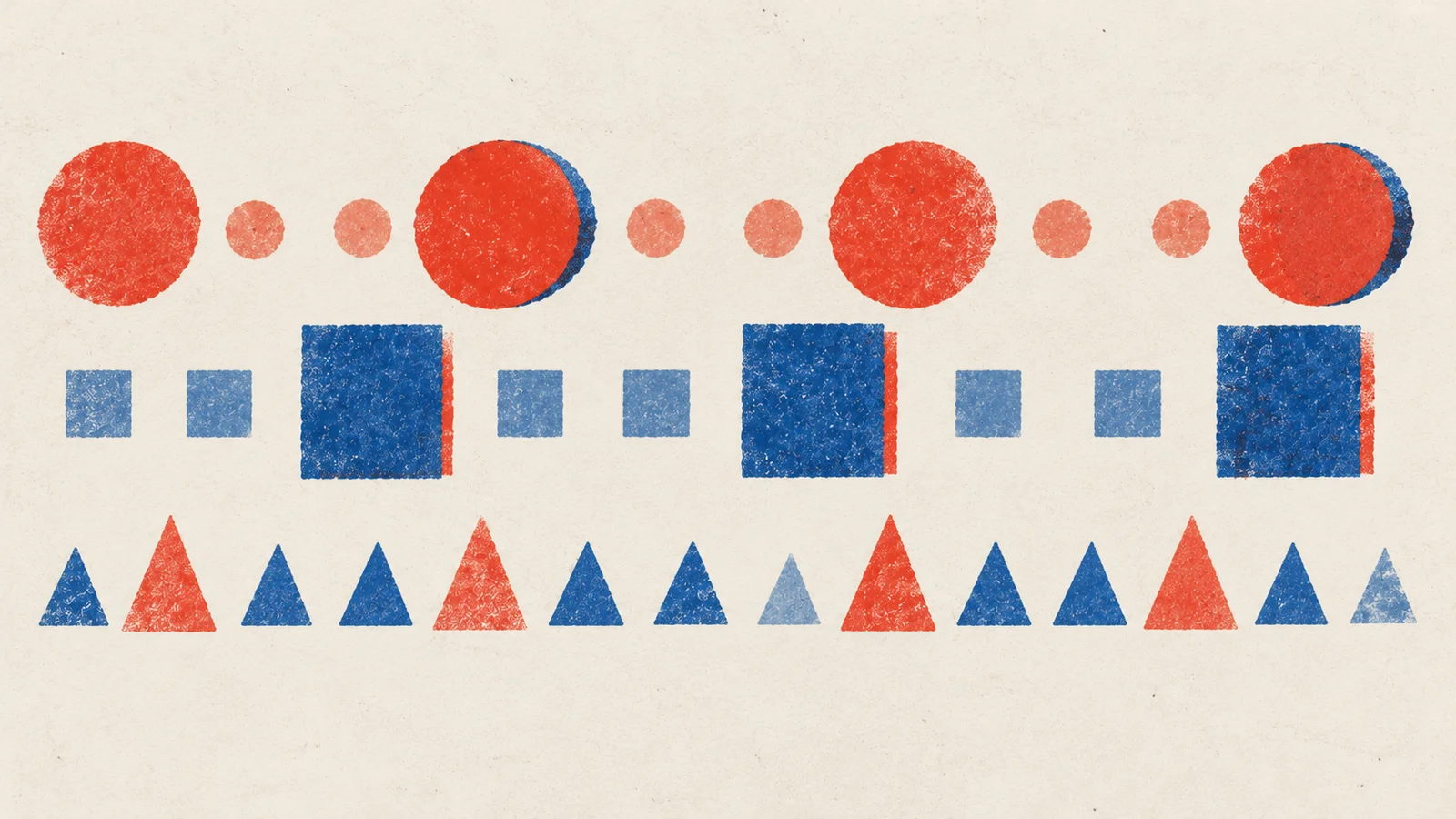
Press play on the first player below. It's four notes, C, E, G, E, and the first and third are played harder. On this electric piano, the accented notes jump forward and get a little brighter, the way a Rhodes barks when you dig in.
Which notes stand out, and is it only because they are louder?
Four notes on an electric piano
Loading the phrase…
Now the second player sends exactly the same four messages, with exactly the same accents, to an organ. Before you press play: will you still hear the accents?
The accents are still in the notes. Can you hear them?
The same four notes on an organ
Loading the phrase…
If you guessed the accents would survive, that's the reasonable guess: they're right there in the data. They vanish because a tonewheel organ like the Hammond never cared how hard you hit a key. Its keys are switches. Organists shape dynamics with a swell pedal under their foot, not with their fingers.
That's the whole idea of MIDI in one comparison. MIDI carries what a player did. The instrument decides what that means.
A note is four numbers
MIDI arrived in 1983 so that a keyboard from one company could play a synth from another. It doesn't send sound down the cable. It sends descriptions of actions, much like the paper roll of a player piano, which is where the "piano roll" in your DAW gets its name.
For each note, those descriptions boil down to four things:
| Starts on beat | Note number | Name | Lasts (beats) | Velocity |
|---|---|---|---|---|
| 0 | 60 | C4 | 0.95 | 127 |
| 1 | 64 | E4 | 0.95 | 64 |
| 2 | 67 | G4 | 0.95 | 127 |
| 3 | 64 | E4 | 0.95 | 64 |
The start becomes a note-on message, the end a note-off. The note number names a key (60 is middle C, which most programs call C4; if two programs disagree on the octave name, trust the number). Velocity is a number from 1 to 127 recording how fast the key went down.
The phrase as events
Notice what isn't in that table: no waveform, no strings, no microphone, no room. You could print it, post it to a friend and they could play your phrase on whatever they have. That's the power of MIDI, and also its gap. The sound has to come from somewhere else.
Velocity is a request, not a volume knob
It's tempting to think of velocity as loudness. The two players above show why that breaks down. Here's what the same velocity number does on different instruments:
- The electric piano above turns velocity into brightness as well as level. Play harder and the tone opens up, which is why soft playing sounds round and intimate and hard playing sounds pushy.
- A sampled piano usually swaps in a different recording. A soft note is a recording of a soft strike, with a gentler, darker attack, not a quieter copy of a hard one.
- A drum machine like our Percussion Synth uses it only for level. Every hit has the same shape; velocity just scales it.
- The organ ignores it.
So when someone asks "what velocity should my hi-hats be?", the honest answer is "it depends what the kit does with it". Try one thing: imagine setting every note in the table to 80. On the organ, nothing changes. On the electric piano, the phrase loses its lean, the push on beats 1 and 3 that made it feel like someone was playing. Turning the instrument's volume down instead would keep that lean, just quieter. Velocity is part of the performance; volume is part of the mix.
What happens between the notes
A pianist doesn't just press keys. They hold the sustain pedal so chords ring into each other. A synth player leans on the mod wheel to bring in vibrato. A guitarist bends a note up a whole step.
MIDI has room for these too. Control Change messages (CC for short) carry numbered controllers: CC64 is the sustain pedal, CC1 is usually the mod wheel. Pitch bend has its own message, and how far it bends depends on the receiving instrument's bend range (two semitones is a common default, an octave is common for leads).
Here's where MIDI surprises people. Take a piano performance full of pedal and play back only its notes. The harmony is correct, every pitch arrives on time, and the piece sounds dry and choppy, like a pianist who has lifted their foot. The notes were never the whole performance.
When you move a part between programs, ask three questions: which messages were recorded, which survived the export, and which the new instrument understands? A synth with no sustain behaviour won't suddenly grow piano dampers because it receives CC64.
Tracks are folders, channels are addresses
Two words that sound alike and aren't. A track is a lane in your sequencer, a way to organise. A channel is an address stamped on each message, from 1 to 16, so one cable can carry several parts. An instrument can listen to one channel or all of them.
If your bass line comes out of the piano, the notes are probably fine. Check where they're addressed before you rewrite anything.
From events to sound
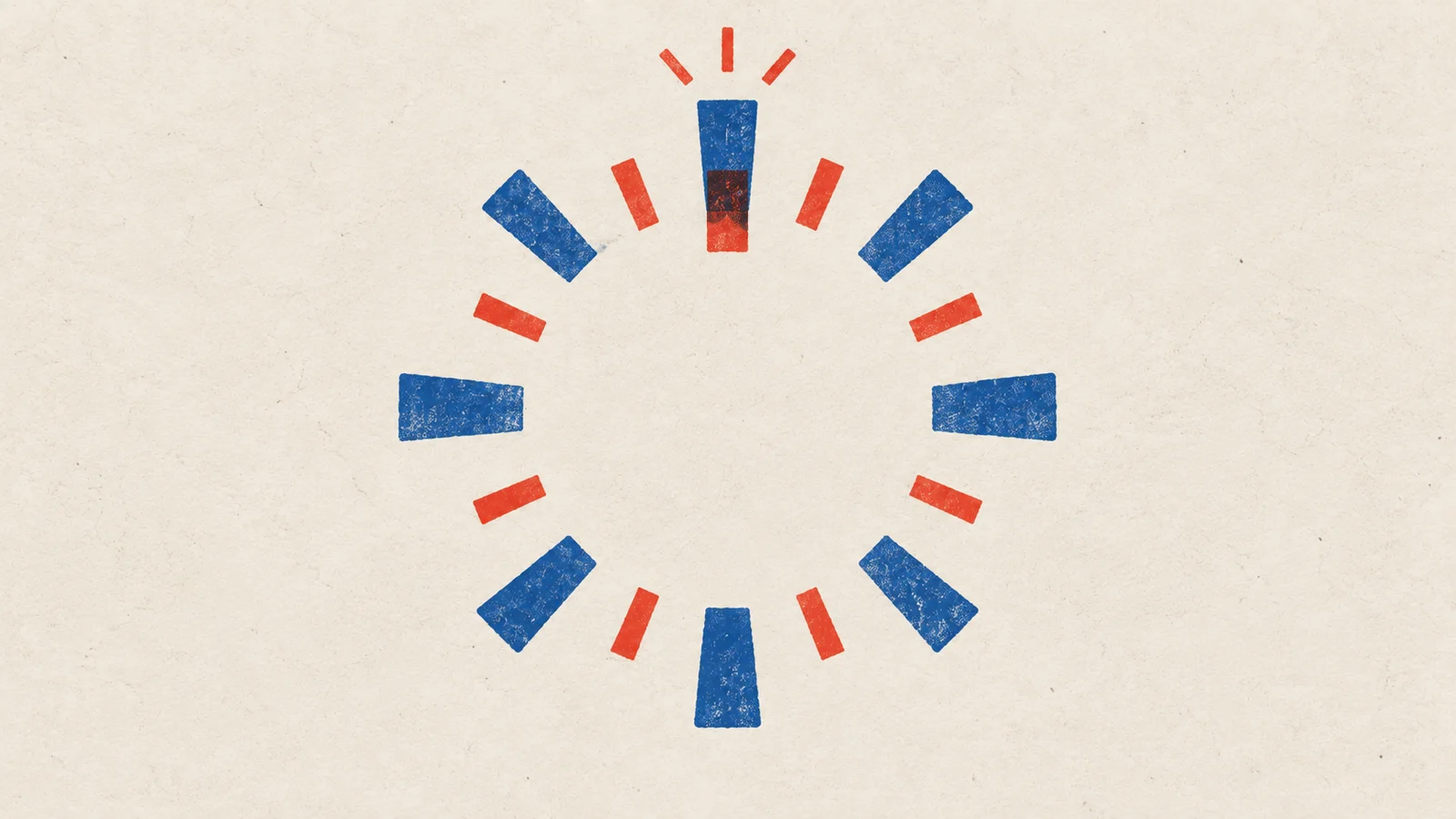
If you ever get silence, walk that chain from left to right: did events arrive, is the instrument listening on the right channel, is its audio going anywhere? A keyboard plugged into a synth that isn't plugged into speakers sends perfectly good MIDI to nowhere.
Why keep both MIDI and audio
An audio export freezes everything: the instrument, how it responded to your touch, every effect. A MIDI export stays editable. You can fix one wrong note, move a chord or try the whole part on a different instrument without playing it again.
That flexibility is also the catch. MIDI is unfinished until something plays it. When you share an idea, send both: the MIDI says what you played, and a short audio bounce says what you meant it to sound like.
Same idea, different place: a MIDI file is already a model of the music. It kept pitch, timing and touch, and threw away the sound. Music as data takes that one step further and asks what you can learn from the notes alone.
Make it yours
Open FM Keys and play a few notes softly, then hard. Find Vel → Index: it decides how much harder playing brightens the tone. Turn it up until soft notes feel hushed and hard notes bite, then play the four-note phrase from the top of this page with your own accents.
Save it as a preset called "Touch Keys". The next time a part feels flat, you'll have a sound that rewards playing it with feeling, and you'll know which knob made the difference.
Quick check
- You import a beautiful piano performance as MIDI and it plays back choppy, with every chord cutting off. The notes look right. What's missing? Most likely the sustain pedal (CC64). Either it wasn't exported, or the player only reads notes. It's tempting to lengthen every note by hand, but the pedal was part of the performance; bring it back instead.
- Your hi-hat accents disappear when you move a beat from one drum plugin to another. The velocities haven't changed. Why? The new kit responds to velocity differently, or not at all. The accents are still in the data; the instrument isn't using them. Check its velocity setting before you redraw the part.
- You want a part quieter in the mix. Should you lower the velocities or the track volume? Usually the volume. Lowering velocity also changes the performance: on a sampled piano or the electric piano above, it changes tone and touch, not just level.
Next steps
- Go deeper: Drum programming. Velocity made the piano lean into its accents. On a drum machine every kick is the same sound, so what makes a programmed beat feel played?
- Use it: Composing with a sampled library. Write parts that suit what a particular instrument does with your notes.