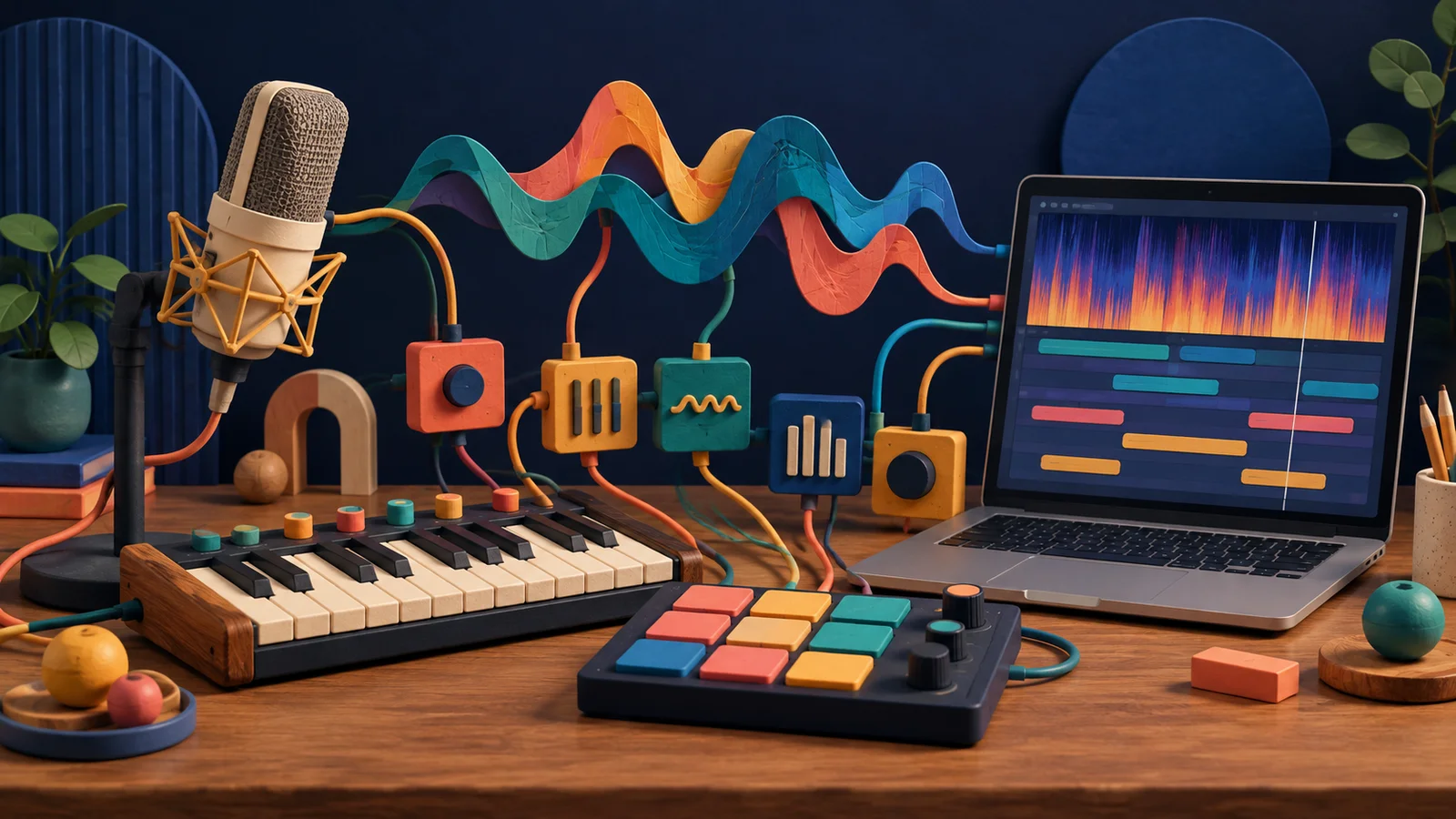
You're building a beat, and the snare is almost right. You want something drier, softer, a little like a wooden knock. Or you're making a sampler instrument and need a tone that sits somewhere between a plucked string and a bell. Audio generation lets you describe that missing sound and explore what a model makes of it.
The next step is where the music starts. Play a few notes or pads in the sampler below. Try a different rhythm with the same sound. How much of the character comes from the sample, and how much from what you play?
Play the same sound with two different rhythms. Did you need a different sample to make a different musical idea?
Turn a sound into something playable
Maru Sampler
Mapped instruments and drum kits in your browser.
This sampler plays an existing bank. It illustrates what you can do with audio after choosing it, whether you recorded it, found it in a library or generated it.
A tool inside the creative process
At Maru, we provide audio-generation tools for musicians. You can work with them through the agent in Studio, or while creating a sampler instrument. Generation can supply a drum hit, a set of playable tones, a beat to chop or a melodic phrase to reshape. It is an intermediate step in making something of your own.
Our interest is in that back-and-forth: describe, listen, choose, edit, play. Full-song generation has its uses, but we find it less fun than shaping the sounds, writing the parts and deciding how they fit together. The goal is to give you more material and possibilities while keeping those musical decisions in your hands.
Our AI for the people making music article explores that choice: keeping the detail that caught your ear while changing the rest.
What does the prompt control?
A prompt gives the model a direction. "A short dry wooden knock" describes a source, a duration and a recording character. It leaves room for many answers: a fingertip on a desk, a knuckle on a door, a stick on a block.
Start with the sound's job. A percussion accent that leaves space for the next kick needs a clear attack and a short tail. A tone for a melodic sampler needs a pitch you can identify and a decay that works when notes overlap. Those details help you write a prompt and judge the result.
Some models also accept reference audio or other inputs to guide generation. The available controls depend on the tool. Asking for a tempo or key in text doesn't guarantee that every beat or note will land where you intended.
How does a model make audio?
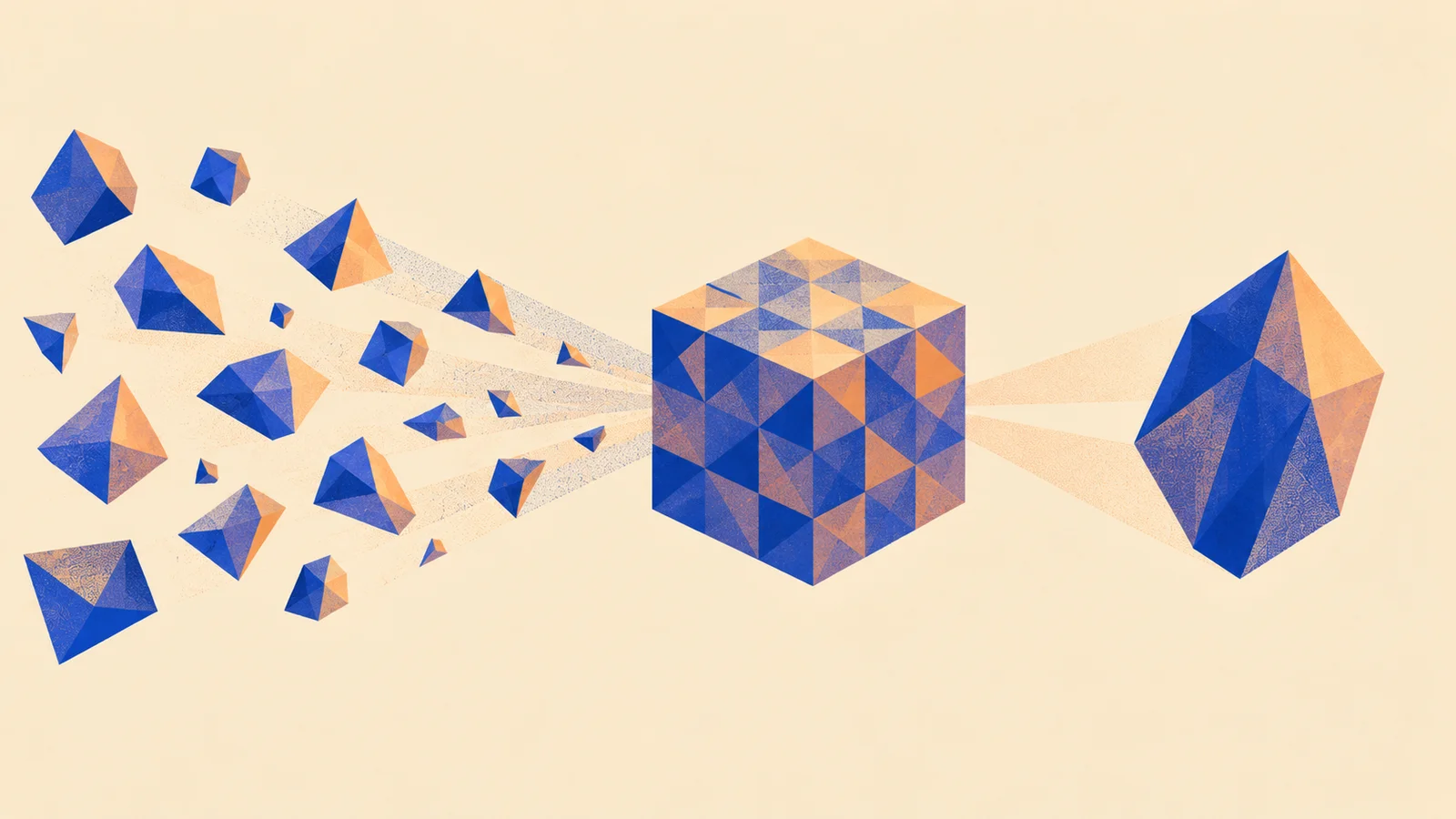
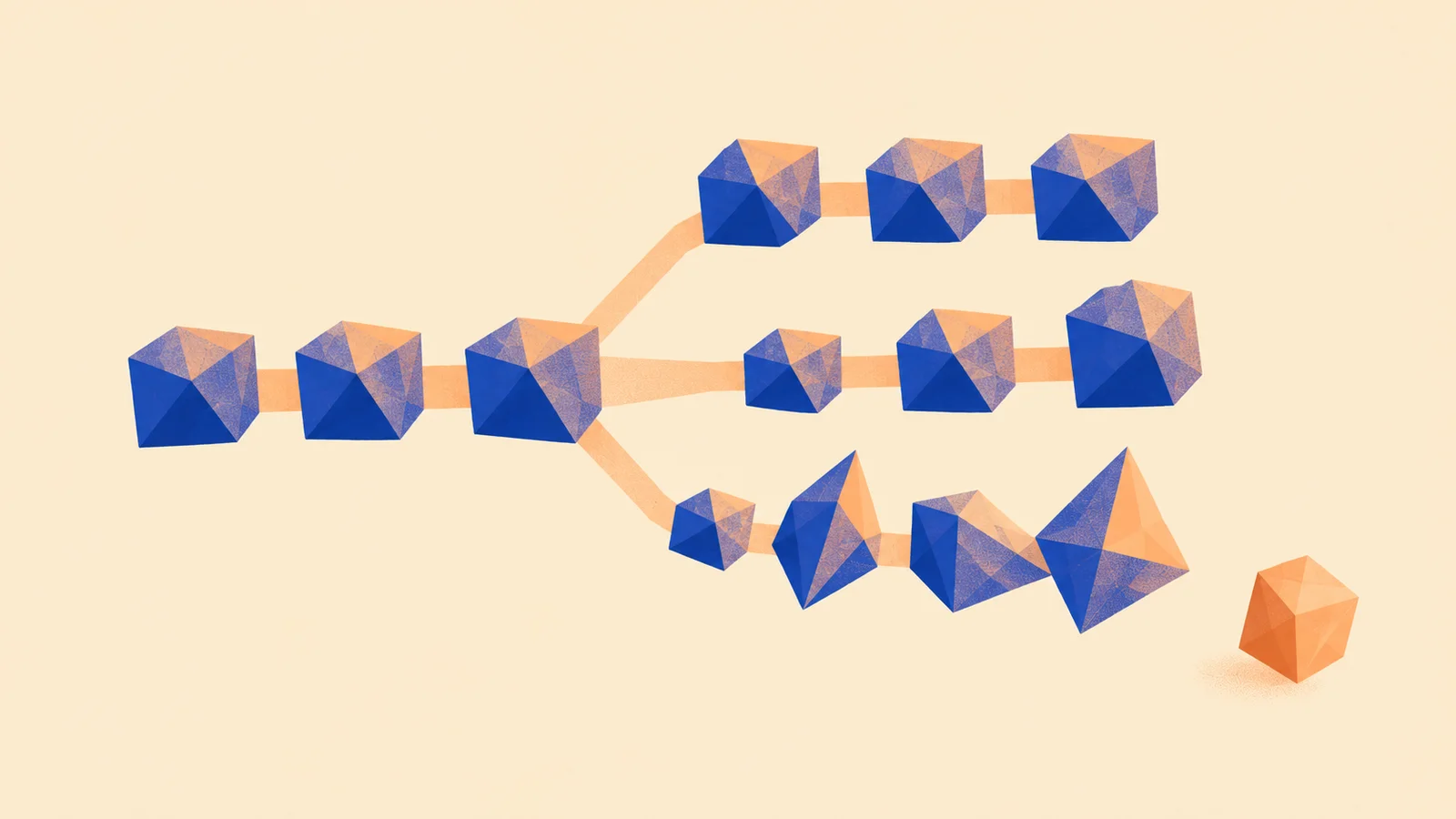
There are several techniques. A common one starts with random numbers in a compressed representation of sound, then gradually refines them under the prompt's guidance:
From noise to sound
- Start with randomness. The model begins with noise in its representation of sound.
- Refine it. A learned process moves that representation toward audio that fits the description.
- Decode it. A decoder turns the representation into a waveform you can hear and edit.
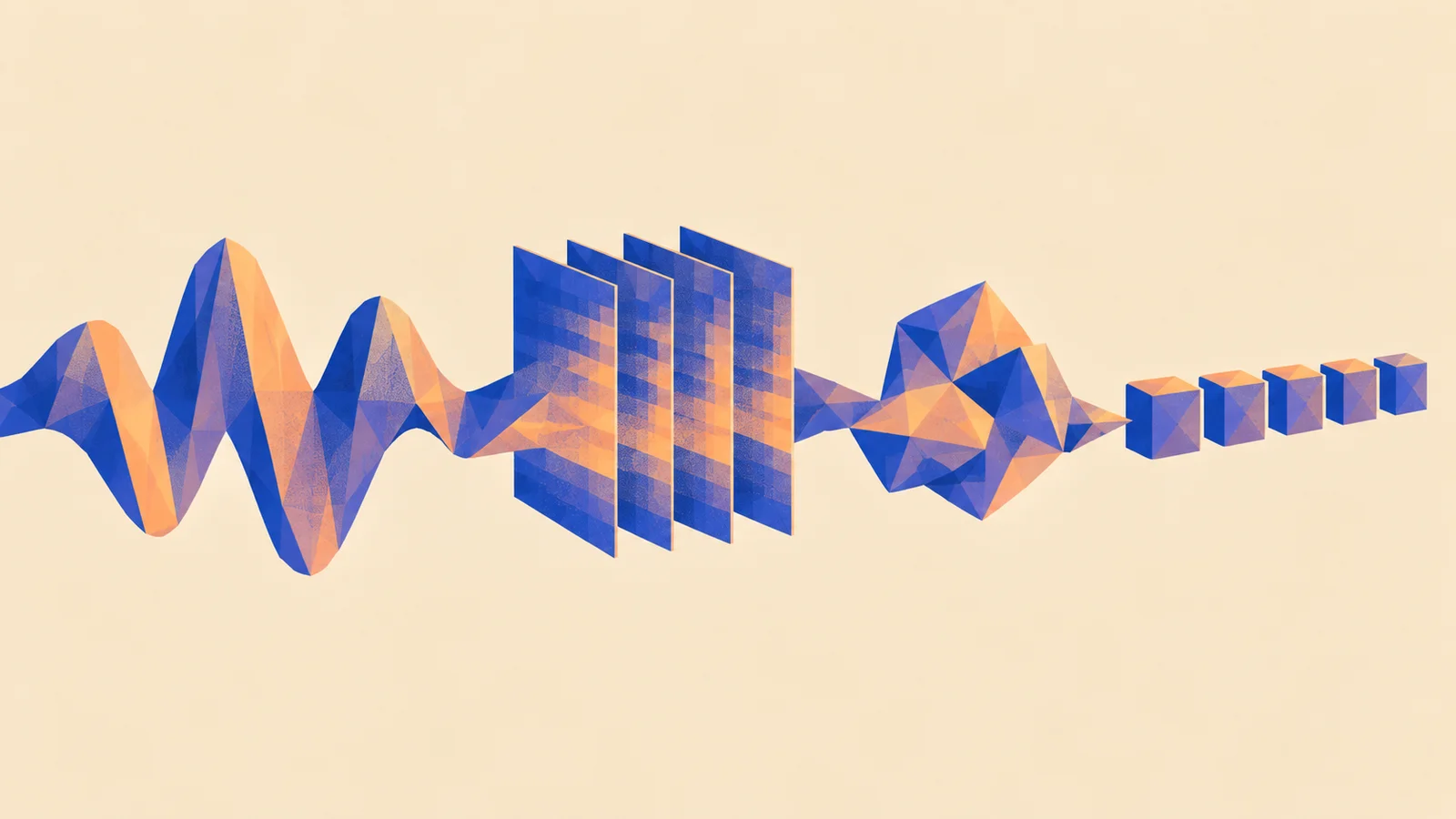
Other generators predict a sequence of audio codes, each building on earlier codes. Different techniques can still give you the same kind of result: an audio clip. Tools can use existing models, adapted models or models developed for a particular task; the useful question is what you can make with their output.
A seed controls the starting randomness. Changing it explores another possible result from the same prompt. Keeping it helps repeat a run within the same model and settings, but it isn't a guarantee across versions or devices. You don't need a special number of seeds or candidates: listen until you find a take worth developing.
An audio clip isn't a musical project
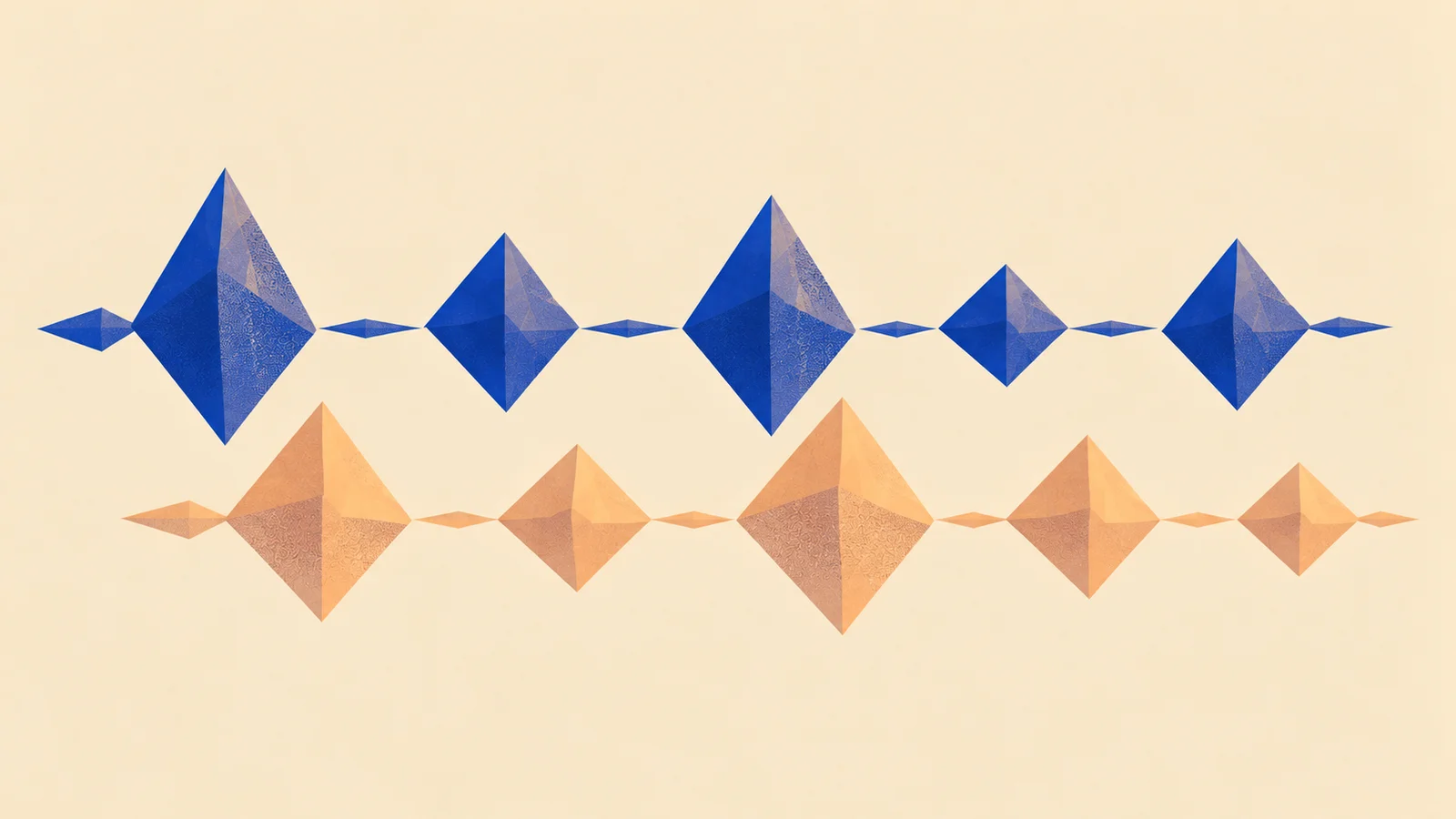
A generated drum loop is a waveform. It doesn't automatically contain a kick track, a snare track or MIDI notes you can move separately. A generated melodic line is also audio, even when you can clearly hear the notes.
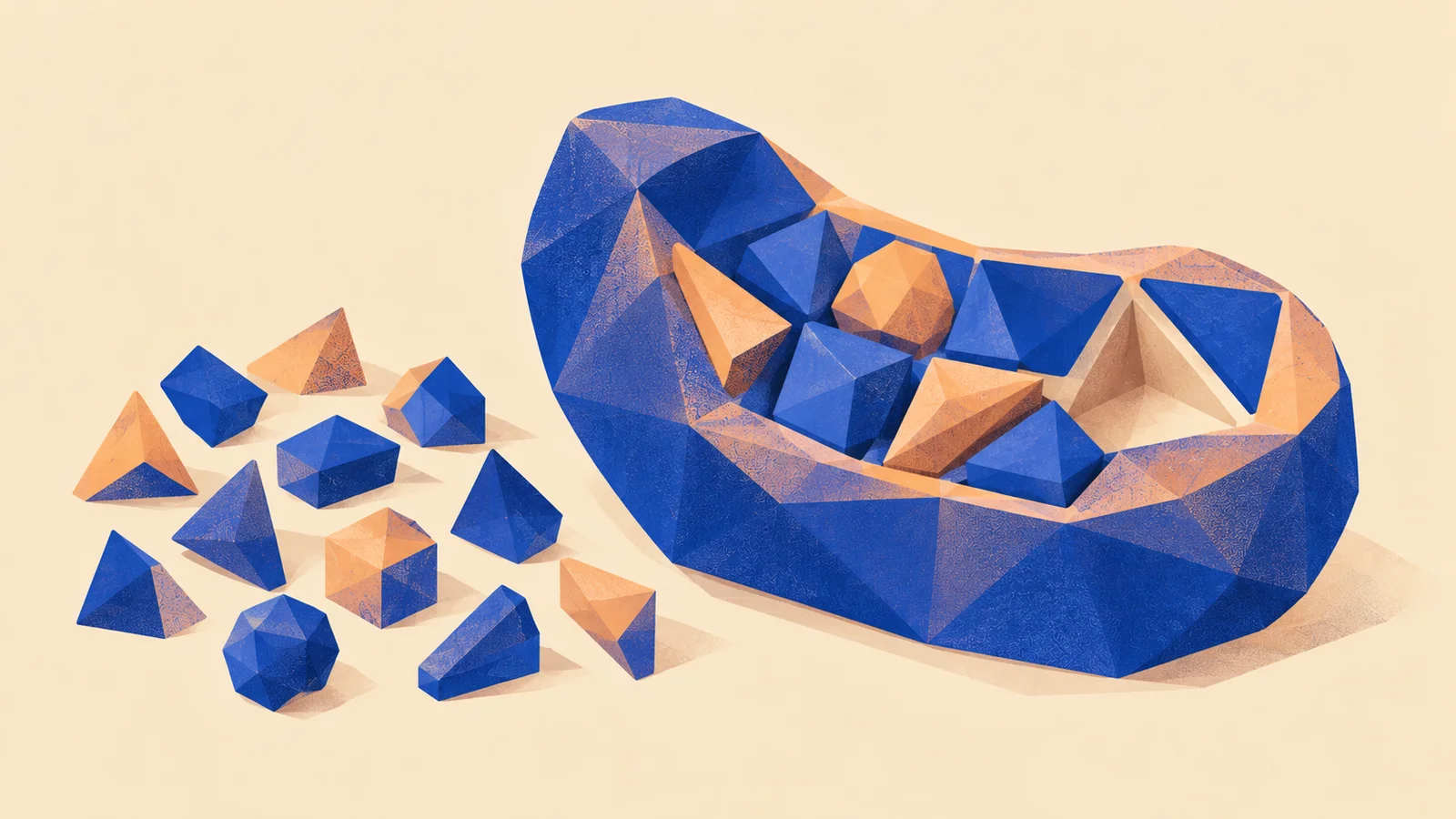
You can trim, slice, pitch, stretch, loop and process that recording. You can map a chosen hit or tone across a sampler's keys or pads, then write your own rhythm or melody. If you want to change individual notes freely, generate notes rather than audio and play them through an instrument: Generating notes shows how a note model writes a part you can edit one note at a time.
Stem separation and transcription can estimate parts or notes from audio, but they add another step and their own errors. They don't uncover an original session hidden inside the clip.
Does it work in the music?
A promising sound can fall apart when you put it in a pattern. Listen for:
- A late attack. Silence before the hit makes it drag behind the beat.
- An awkward tail. Ambience fills the next gap, or the clip ends with an abrupt cut.
- Uneven level. A louder candidate can seem better just because it's louder. Compare at similar playback levels.
- Pitch or timing drift. A phrase feels right alone but clashes with the key or pulse of your track.
- Too much low end. A percussion sound crowds the kick or bass.
The prompt is a request. The audio is what you actually have to work with. Choose by listening in the part, then use sample preparation to fix the details worth keeping.
Make it yours
Pick one thing your music is missing: a percussion accent, a playable tone or a short phrase. Describe its role before asking for it. In the agent, a request could be:
Help me make a dry wooden percussion accent for this beat. I want a clear attack and a short tail that leaves room for the kick. Let's hear some options, then use the one I choose in a sampler bank.
While creating a sampler bank, you can also describe and generate sounds in Sources, preview the clips and choose what to add. Generation needs a configured provider; the sampler-bank guide walks through the workflow.
Choose a take, trim its start and end, and try it in your beat or melody. For an instrument, check its root pitch and mapping, then play a short phrase. For a generated loop, try chopping one detail into a new rhythm instead of using the whole clip unchanged.
Save the bank or part so you can bring it into your next track. Keep the chosen audio and its generation details alongside it: the useful result is the sound you shaped into music.
Quick check
- Two takes from the same prompt sound different. Did one ignore the prompt? Not necessarily. A description leaves room for different answers. Compare the attack, tail and character you asked for before deciding.
- You like a generated melody but want to change its third note. What would make that easier next time? MIDI driving an instrument gives you individual notes to edit. An audio phrase needs slicing, pitch editing or transcription first.
- A generated hit sounds impressive alone but covers the bass in your beat. Is it the best take? Its musical role matters more than its solo sound. Try trimming or filtering it, or choose a take that leaves the bass room.
Next steps
- Go deeper: Neural instruments. What changes when a model responds while you play?
- Use it: Generate a drum kit. Take one description to a whole kit: generate options, choose hits that belong together and map them so they play.
- Build it: Key and velocity mapping. Turn your sounds into an instrument you can play expressively.