Below is a raw, unedited recording of a sax phrase. Drag the S handle to find the exact moment the first note begins, so it would speak the instant you press a key. Try a start just before the note, right on it, and a few milliseconds into it.
Move Start until the note begins instantly. What changes when you cut a little too late?
Find the real start
Drag the S and E handles, or focus one and use the arrow keys. The original take is never changed.
Here's the surprise. The recording is perfectly clean, but cut it in the wrong place and you can hear a tiny click that was never there. Before reading on: where did that click come from?
The click you made yourself
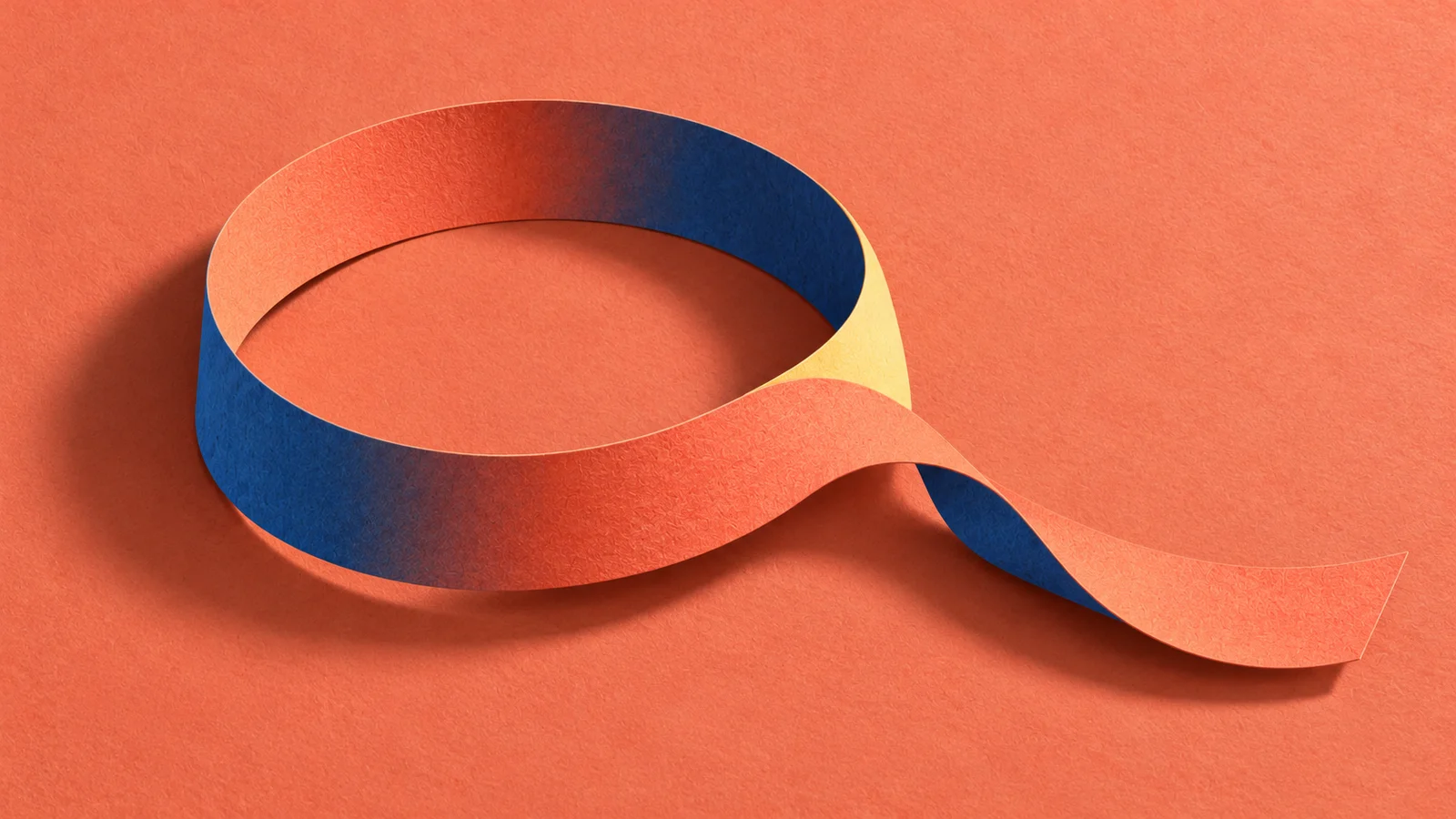
Sound is a wave that moves smoothly up and down. Before a note plays, the sampler outputs silence: zero. If your sample starts halfway up a rise, playback jumps from zero to that value in a single step. That instant jump is a new sound, and your ear hears it as a click.
Cutting halfway up a wave
Cutting doesn't only remove sound. It can join two values that never met in the recording, and that join is a sound of its own.
Same idea, different place: in a spectrogram, that click is a thin vertical line running up through every frequency. A sudden jump contains a little of everything. See Seeing sound.
Keep the start that makes it sound played
The attack is how a sound begins: a hammer hitting a string, a breath before a flute tone, a bow catching. It isn't always one sharp spike. A flute often starts with a puff of air before the pitch settles; a bowed cello can take a moment to speak.
Those beginnings are the human part. Trim right to the loudest first peak and you cut off the breath, the scrape, the catch, and the sample sounds pasted on rather than played.
Listen from a little before the note and move the start closer in small steps. Stop when the silence is gone but the beginning still sounds like someone playing. A tiny gap is fine; too much and every key feels late, too little and a soft start becomes a hard edge. There's no universal number. Let the sound decide.
Three kinds of click
When you hear a click, work out which one it is before fixing anything:
- A click in the recording. A chair creak, a lip noise, a fingernail on a key. It's in the raw file too. Cut around it or record again.
- A click from your edit. The raw file starts smoothly; your trimmed copy ticks. That's the jump from the figure above. Move the start or add a tiny fade.
- Clipping. The input was too loud and the peaks got flattened. It sounds harsh and crunchy on loud notes. Turning the file down won't bring the missing shape back; only re-recording will.
Compare the raw recording and your copy at the same moment. If only the copy clicks, the problem is your cut, and noise reduction on the whole file won't help.
A fade trades an edge for a softer start
A fade-in brings the level up from silence over a few milliseconds. It turns the jump into a ramp, so the click goes away.
It also takes something with it. On a sustained sound like an organ, a 3 to 5 millisecond fade is inaudible except for removing the tick. On a drum, the first few milliseconds are the punch.
A drum hit with and without a 5 ms fade
So for a punchy sound, don't fade inside the attack: move the start a little earlier, into the silence just before it, where a cut is harmless. Fades are a tool with a cost, not proof the cut is right. If a faded version feels weaker, go back.
In Maru's Sampler, the Attack control shapes every note in the instrument at once, so use it to soften the whole instrument, and fix a single sample's start in the file itself.
Look after the ending too
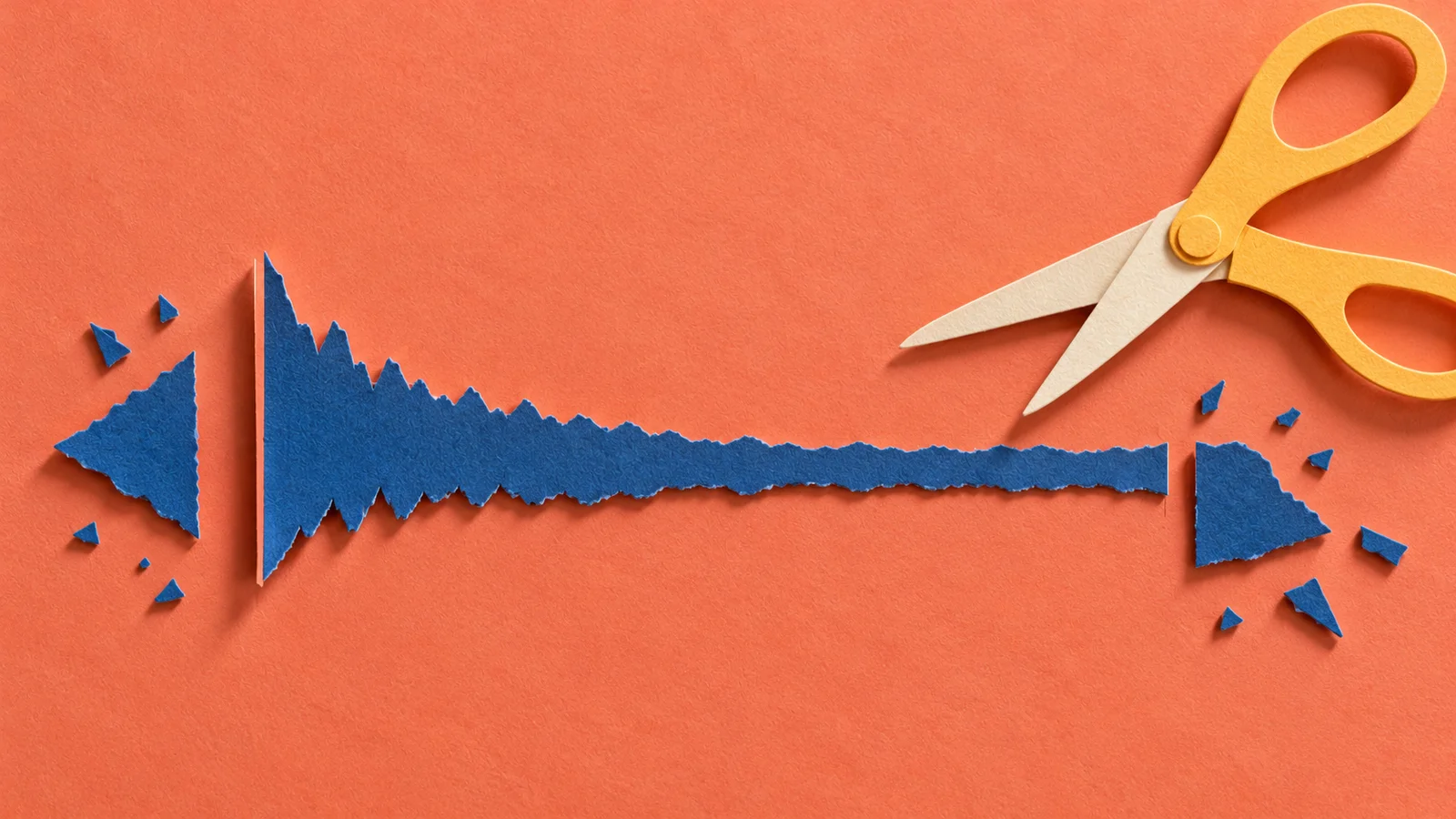
Cut off a note while it's still ringing and you get a click at the end, for the same reason. A short fade-out fixes it. Fade too early, though, and you cut the room and the decay you recorded on purpose.
For a decaying note (a pluck, a piano), let it ring as long as your music needs, then fade the last little bit. For a sustained note (organ, voice, bowed string), don't fade at all yet: keep a stretch of steady tone, because that's where you'll put a loop in Loops and releases.
Let a tool cut, then check its cuts
Record a drummer playing one hit after another, or yourself tapping forty sounds on a table, and you get one long file and an hour of trimming. Most audio software can do the first pass for you: most DAWs can slice a recording at its transients, cutting at each onset, the moment a new sound starts. That's the same job a beat tracker does before it decides which onsets are beats. See Beat and tempo tracking for how that detection works and where it gets fooled.
A second pass can sort the hits. A model that tags sounds can guess kick, snare or hat for each slice. Some sample browsers map a whole folder by similarity, laying out the sounds so the dark, thuddy ones sit apart from the bright, sizzly ones. Tagging, search and similarity explains how those maps are made and why two hits that look close can still sound different in a groove.
Both passes are guesses about your sound, and they go wrong in predictable places:
Hits you played, cuts a detector made
So listen through the slices before you build anything from them:
- Starts. Detectors often cut right on the peak. Check each slice the way you checked the sax above, and move any late cut back into the silence before the attack.
- Splits and misses. A flam or a rattle becomes two slices; a soft ghost note becomes none. Merge the first, rescue the second: ghost notes are often the hits that make a kit feel played.
- Tails. The cut before the next hit can chop the ring of this one. Give a cymbal or a room-heavy snare the decay it needs, and fade it there.
- Sorting. Play each group in a row. A rimshot in the snares or a closed hat in the open ones sounds wrong straight away, even when the label looked sure.
The tool saves the hour. Your ears decide which forty-odd slices are worth keeping.
Noise: aim for consistent, not empty
Room hiss is quiet under a note and obvious in the tail, and it adds up when you play chords. The best fix is upstream: a quieter room, a closer mic, gear that doesn't hum. Re-recording one pilot note is often faster than repairing a whole set.
If you use noise reduction, listen carefully to the attack and the tail. Heavy settings can smear the start and leave a watery, warbling tail. A little steady room sound often sounds more natural than noise that comes and goes between notes. Check samples next to each other, not just alone.
Don't flatten the dynamics
Normalizing turns each file up until its peak hits a target. It's handy for checking, but normalize every file and your soft layer is now as loud as your hard one. It still sounds soft (the tone hasn't changed) but you've thrown away the level difference you recorded. Adjust gain deliberately, write down what you changed, and keep the soft layer soft.
Frames and milliseconds
Sample editors often count in frames, one per sample moment. To get time, divide by the sample rate: at 48,000 frames per second, 240 frames is 5 milliseconds. A stereo frame holds a sample for each channel, so stereo doesn't double the time.
Make it yours
Take one note you recorded yourself. Keep the raw file untouched and make two copies:
- One that starts just before the attack, with no fade.
- One that starts a little later, inside the attack, with a short fade-in.
Play both in a rhythm, the way you'd actually use the note. Pick the one with a clean start, an intact attack and a useful tail, and write one line on why you rejected the other (late, weak, ticking, noisy). Save that line next to the file. It's your method, and it'll make the next twenty notes much faster.
Quick check
- Your raw vocal sample is clean, but after trimming it has a tick at the start. Noise reduction? No: compare with the raw file. If only the trimmed copy ticks, the cut is jumping into the waveform. Start a little earlier, in the silence, or add a fade of a few milliseconds.
- You add a 10 ms fade-in to every drum sample to stop clicks, and the kit suddenly sounds soft and late. Why? The fade is eating the attack, where the punch lives. Start each hit just before its attack instead, and keep fades for sustained sounds.
- You normalize all your soft and hard piano samples. They still sound different in tone, but something's off when you play. What? The level difference between layers is gone, so playing softer no longer gets quieter. Restore the relationship, or set the levels in the instrument.
Next steps
- Go deeper: Key and velocity mapping. One clean note is ready. How does it cover the notes around it, and how far can you stretch it?
- Use it: Planning and recording samples. Change the session plan when preparation shows a recording problem.