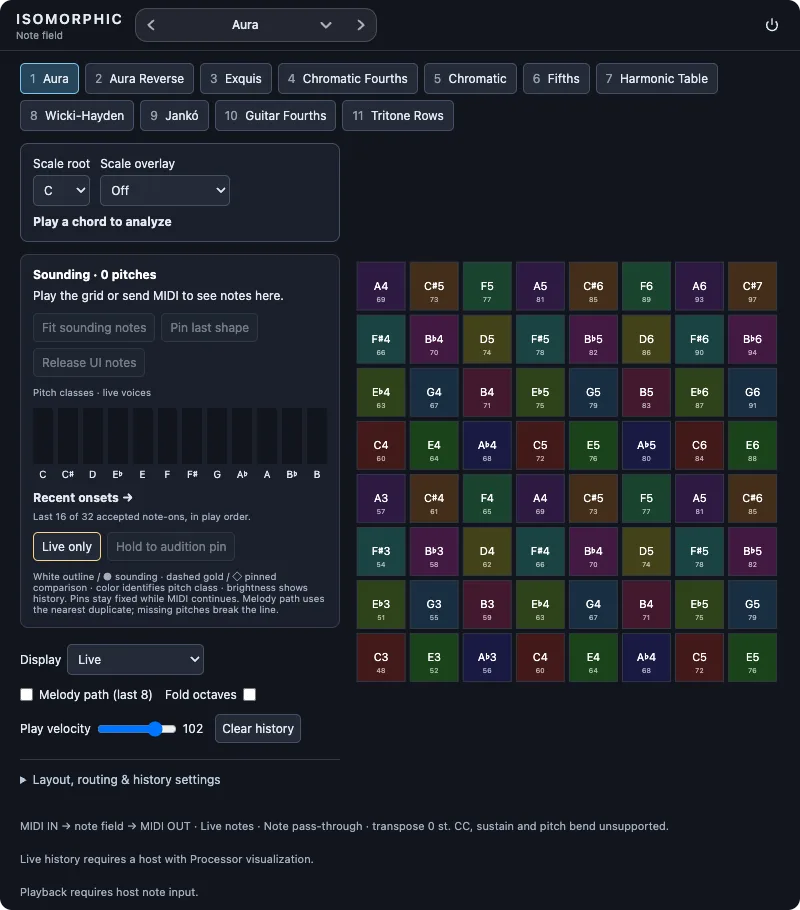
A silent instrument that shows which notes are reaching a module, along with its parameter values and what the host reports about itself. Use it, or fork it, when something makes no sound.
When to reach for it
When a module is silent, there are two possible answers: either the note never arrived, or it arrived and the sound engine did nothing audible with it. Those are different problems in different places, and you cannot tell them apart by listening.
Play a key and read the activity table:
- Rows appear, marked
sounding: notes are reaching modules on this surface. The problem is in your module's sound engine or its parameters, not in how notes get to it. - Rows appear, marked
accepted, silent: the host took the note and produced nothing. Your note path works; look at the sound engine. - Nothing appears: no held note was observed. Check upstream: the face's keys, the computer keyboard, the MIDI input, or the module's declared inputs.
- "This host reports no note state": the host is not reporting notes at all, which is different from receiving none.
The table shows each held pitch with its state and, where the host provides it, velocity. A very short note can start and end between two updates and never appear.
The diagnostic panel
Every Maru face, including any module you fork, carries a diagnostic panel. Right-click the face, or press Ctrl/Cmd+Shift+D. Its MIDI tab records every note in and out, with raw bytes, port, channel and arrival time, so it catches what the table can miss. Its Stimulus tab plays a test note straight into the module, which checks the note path without touching a keyboard.
Reach for the panel first on any module. Reach for MIDI Monitor when you want a face whose only job is to report, with no sound engine of its own to be suspicious of.