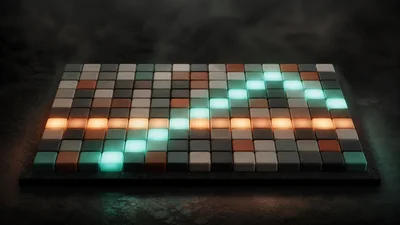
A step sequencer and arpeggiator on one grid. Hold a chord and Steps plays its notes in turn, while a sixteen-slot pattern of accents, ghost notes and rests decides which steps fire and how hard. It makes no sound itself: put an instrument after it.
The idea
An arpeggiator fires on every step. Steps consults its pattern first, and each slot answers with a velocity: a tall slot is an accent, a short one a ghost note, an empty one a rest. Which note plays is still the arpeggiator's choice. The sequencer decides when and how hard, the arpeggiator decides which.
Each slot's velocity is multiplied by how hard you hold the note, so playing softly makes the whole pattern softer without flattening its accents.
Controls
- Run switches the sequencer on. Off, the notes you hold pass straight through, which is the easiest way to hear what the grid adds.
- Rate sets steps per second; 8 Hz is sixteenth notes at 120 BPM.
- Swing delays every second slot, MPC style: 50% is straight, 66.7% lands on exact triplets and 75% on a dotted feel.
- Gate sets note length as a fraction of the step. A small gap is always kept so notes never run into each other, even with swing.
- Walk sets the order of the held notes: up, down, up-down, order played, or random (a repeatable random, so the same pattern comes back).
- Octaves repeats the held chord up to four octaves higher.
- Length sets how many slots the pattern loops over. Shortening it keeps the slots beyond the loop, so they return when you lengthen it again. Odd lengths against a 4/4 beat give an easy polymeter.
On the grid, tap a slot to toggle it and drag up or down to set its velocity. The Fill buttons write evenly spread Euclidean rhythms with 3, 5 or 7 hits over sixteen steps; the arrows rotate the pattern earlier or later, carrying the accents with their hits.
Getting started
Connect a keyboard or a MIDI source to Steps, and Steps to any instrument. Hold a chord. The default pattern is a gallop, accent, ghost, rest, ghost on every beat, with half its hits on the odd slots, so turning up Swing changes the feel straight away. The whole pattern is saved with presets and share links.