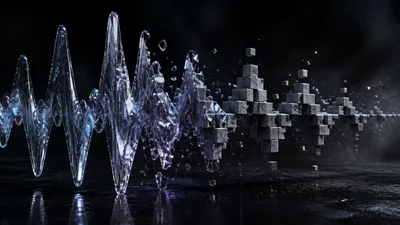
A bitcrusher for digital grit, from a faint hiss to a signal reduced to a square wave of itself. Two knobs: how coarse, and how much.
The idea
Crush rounds every sample to a small number of levels. The distortion is the rounding error, which is why it sounds granular and digital rather than warm. The sample rate is also held down at a fixed 12 kHz, so there is no separate rate control; Bits is the knob that decides the character.
The scale is not linear. Twelve bits is a hiss you notice on quiet tails, eight is unmistakably digital, four is the classic crunch, and two or one stop being a texture on the source and start replacing it.
Controls
- Bits sets the quantisation depth, from 16 down to 1.
- Mix blends the crushed signal against the clean one. On a bitcrusher this is what keeps the effect usable: blending the dry signal back in restores the quiet detail the crusher throws away while keeping the grit on the loud parts. Low bits at a low mix often flatters a source more than high bits fully wet.
Getting started
Crush is a mono audio effect: play a recording, a guitar or a synth through it. Start with a factory preset:
- Default: four bits at half mix.
- Dust: coarse bits held far back, grit without sounding digital.
- Lo-Fi Tape: eight-bit sampler territory, blended.
- Hard Crush: three bits, fully wet. Aggressive and obviously broken.
- Annihilate: one bit, the source survives only as its own envelope.
- Edge: twelve bits, a faint hiss on tails.